
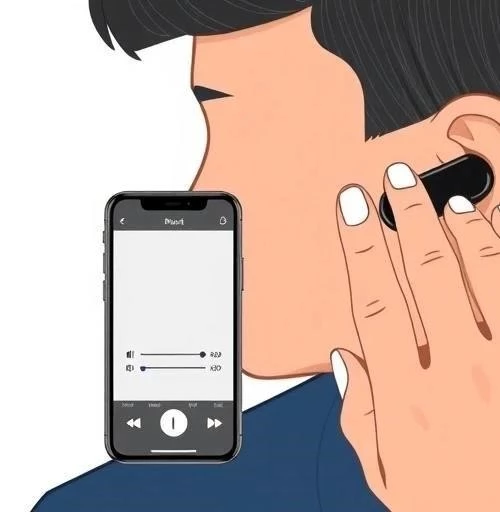
Your AirDots are playing the perfect song—until the next one seems a mile away, on your phone. The trick is that “Xiaomi AirDots” covers several models, and their controls are not identical. On many original Redmi AirDots and Earbuds Basic models, the button does not offer a dedicated next-track gesture.
Start with the control your model actually has
On the classic button-equipped AirDots, press once to pause or resume playback. Double-pressing usually calls your phone’s voice assistant; it does not reliably skip a song. So if two quick taps summon an assistant instead of a new chorus, your earbuds are behaving as expected—not broken.
Some newer Xiaomi or Redmi earbuds use touch panels and may support different shortcuts. Check the quick-start guide for the exact model name, such as Redmi AirDots S, Earbuds Basic 2, or a later numbered version. Look for “music control” or “touch gestures”: a shortcut listed for one generation may not apply to another.
Three reliable ways to move forward
- Use your phone. Tap Next on the lock screen, in the music app, or in your car’s media controls. This works regardless of the AirDots model;
- Ask your assistant. If your earbuds’ double-press launches Siri, Google Assistant, or another assistant, say “skip to the next track.” Availability depends on your phone, language, and app.
- Check the app or manual. If your model supports customizable gestures, open its companion app, if available, and inspect the control settings. Do not assume every AirDots model can be remapped.
If a gesture seems to do nothing
Test while audio is playing, tap the correct earbud area, and leave a brief pause between taps. Confirm the phone is connected to the earbuds and the music app is active. If controls behave strangely, put both earbuds in the case, reconnect them in Bluetooth settings, and try again. Avoid random long presses: depending on the model, these may enter pairing mode or affect calls rather than change songs.
Bottom line: classic AirDots generally handle play and pause, while track skipping is often a phone-or-assistant job. Identify your exact model first; then the right “next track” move becomes simple—and your playlist can keep its momentum.



3 Comments. Оставить новый
The distinction between “my earbuds are broken” and “this model simply has different controls” is a small but useful act of tech troubleshooting diplomacy. Clear, practical, and refreshingly free of button-mashing folklore.
The phone-control fallback deserves a tiny victory parade: sometimes the most reliable skip button is the one already glowing on your lock screen. A helpful guide that keeps expectations—and earbuds—in perspective.
I appreciate the advice to check the exact model before trusting a gesture guide. Earbud generations can feel like a family reunion where everyone looks alike but follows different rules.