
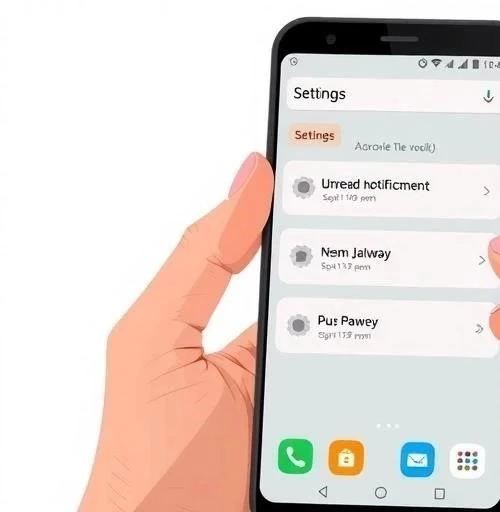
You can view recent push notifications from the notification shade, the lock screen, or Android’s Notification history. Menu names and layouts differ slightly between Xiaomi models and software versions, including MIUI and HyperOS. If a notification has already been dismissed, Notification history can show it only if the feature was enabled beforehand.
Open the notification shade
- Unlock the phone, or wake its screen.
- Swipe down from the top edge. On many recent Xiaomi phones, swiping down on the left side opens notifications, while the right side opens Control Centre. On other versions, either side may open the notification shade.
- Scroll through the list to find the alert. Tap a notification to open the relevant app, or expand it with a downward swipe or arrow if more text is available.
Notifications may be grouped by app. Expand a group to see individual alerts. To clear one, swipe it sideways or tap Clear; clearing a notification does not necessarily delete the related message or item from its app.
Check Notification history
Android can keep a record of recently dismissed notifications. To enable or review it, try this path:
- Open Settings.
- Tap Notifications or Notifications & status bar.
- Look for Notification history and open it. If available, turn on Use notification history.
On some devices, the option is under Settings > Apps > Manage apps, or a search for “Notification history” in Settings may locate it. Once enabled, return to this screen to see eligible recent alerts, including some that were dismissed. History is not a complete archive: older entries expire, and alerts sent before the feature was switched on usually cannot be recovered.
View notifications on the lock screen
To see alerts without unlocking the phone, open Settings > Notifications and find Lock screen notifications. Enable notifications for the lock screen and choose whether to show their content. If the screen is blank, check that the relevant app is allowed to display lock-screen alerts. Privacy settings may hide message text until the phone is unlocked.
If a notification is missing
- Check app permissions: Go to Settings > Notifications > App notifications, select the app, and allow notifications. Some versions list these controls under Apps > Manage apps > [app] > Notifications.
- Review notification categories: Enable the needed category, such as messages, reminders, or updates. An app can be allowed overall while a particular category is off.
- Check silent alerts: Expand the shade and look for a silent section or hidden notifications. Also review Do Not Disturb and any schedules that may suppress alerts.
- Review battery restrictions: Battery saver or background restrictions can delay notifications from some apps. Check the app’s battery settings if alerts arrive only after opening it.
- Check the app itself: Confirm that alerts are enabled inside the app and that the account or conversation is not muted.
Useful distinction
A push notification is a short alert delivered by an app; it is not always a copy of the underlying content. If you cleared an alert and Notification history was off, check the app’s inbox, chat, or activity feed instead. Paths vary by model, region, and software update, so use Settings search when a listed label is not present.

2 Comments. Оставить новый
The article gives practical steps for checking current notifications and reviewing dismissed alerts. It also notes that menu names vary across Xiaomi models and that notification history must be enabled in advance.
The guidance is organized by task and explains the limitations of Notification history. The article would benefit from a complete final sentence, as the provided text ends mid-sentence.