
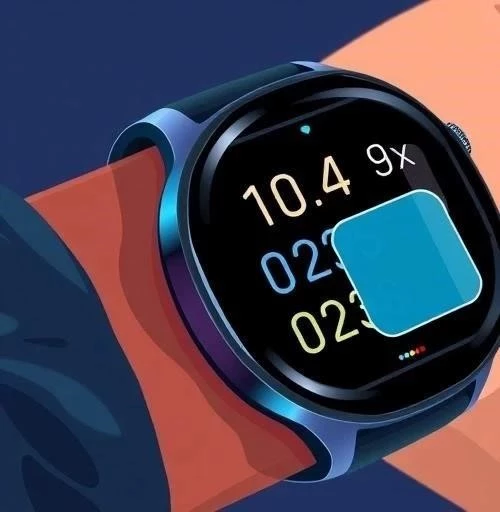
Seeing the word null on an Apple Watch can be confusing. In most cases, it is not an Apple Watch setting, a special mode, or a warning that the watch itself is broken. “Null” is a technical term meaning that a value is absent, unknown, or unavailable. An app may show it when it expected information but did not receive a usable value.
Why might “null” appear?
Apple Watch apps display information supplied by the watch, an iPhone, an online service, or the app’s developer. If a required piece of information is missing, the app may handle that situation poorly and display the word “null” instead of a blank space or a helpful message. This is usually an app or data issue, rather than a description of the watch’s condition.
The exact cause depends on where the word appears. For example, it could be shown in a third-party app, a complication on the watch face, a notification, or a screen that presents information from an account or connected service. The word alone does not identify which data is missing.
- App or service problem: The app may not have received data from its server, or the service may have returned an empty field.
- Connection issue: The watch may temporarily be unable to communicate with the paired iPhone, Wi-Fi, or a mobile network.
- Outdated software: An app or watchOS version may contain a bug, or the app may not yet support a recent change.
- Unavailable information: A feature may have no value to show yet, or access to relevant information may not be available.
- Display or sync glitch: A complication or notification may briefly show stale or incomplete information while it updates.
Is it an Apple Watch error?
“Null” is not, by itself, a standard Apple Watch error code. It does not necessarily mean that the battery, sensors, or hardware are damaged. If the watch’s built-in features work normally and the word appears in only one app, the issue is more likely limited to that app or the information it displays.
It is also different from a message that explicitly reports a connection, update, or hardware problem. Consider the surrounding screen and what you were doing when the word appeared. A single occurrence may be temporary; a repeated message in one app is more useful evidence that the app needs attention.
What can you try?
- Check the app: Close and reopen it, then see whether its information loads. If it is a complication, open the full app as well.
- Check connectivity: Make sure the Apple Watch and its paired iPhone can connect as expected. Open the relevant app on the iPhone to see whether the same information is missing there.
- Refresh or sync: Wait briefly, reopen the screen, and confirm that the app has permission to use any information or connection it needs.
- Update software: Check for updates to the app and watchOS. An update may fix a display or compatibility problem.
- Restart devices: Restart the watch and, if needed, the paired iPhone. This can resolve a temporary communication or display glitch.
- Reinstall or contact the developer: If the issue continues in one third-party app, follow the developer’s support guidance. Include the app name, watchOS version, and a description or screenshot of where “null” appears.
Before removing an app, check whether it stores information that needs to be backed up or synced. Reinstalling is not usually the first step; try reopening the app, checking its iPhone counterpart, and installing available updates first.
When to seek further help
If “null” appears across several unrelated apps, or the watch also has broader problems such as repeated crashes or failed syncing, check Apple’s support resources or contact Apple Support. If it occurs only in one third-party app, the app’s developer is usually the most relevant contact, because that developer controls how missing data is displayed.
In short, “null” usually means that an app has no valid value to show. Its meaning depends on the screen and app where it appears. It is generally a clue about missing or unavailable information, not proof that the Apple Watch is damaged.

6 Comments. Оставить новый
The article makes clear that the location where the message appears is important when identifying its likely cause.
The discussion of connection, software, and synchronization issues gives readers several reasonable possibilities to consider.
The explanation is straightforward and avoids treating the word “null” as evidence of hardware damage.
This provides a useful distinction between an app or data issue and a standard Apple Watch error.
The article clearly explains that “null” usually refers to missing information rather than a problem with the watch hardware.
The examples of possible causes help show why the meaning of “null” depends on where it appears.