
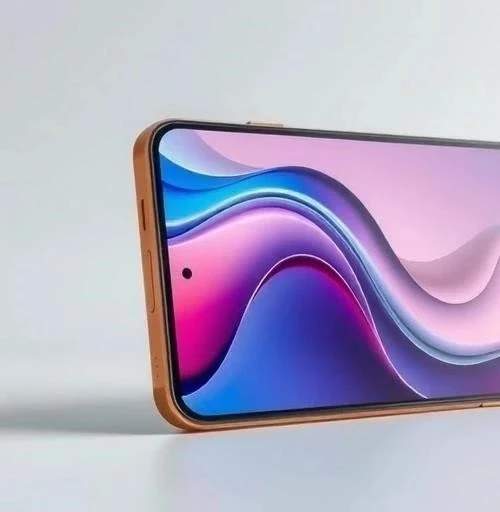
The standard Xiaomi Redmi Note 12 has a display refresh rate of up to 120 Hz. In practical terms, the screen can refresh its image 120 times per second, twice as often as a conventional 60 Hz display. This is the short answer to “How many hertz is the Redmi Note 12?”—but a few distinctions matter when judging what that figure means.
What 120 Hz changes
A higher refresh rate can make scrolling through menus and websites, swiping between screens, and supported games look smoother. It does not, by itself, make the phone’s processor faster or improve image detail. Resolution and refresh rate describe different things: resolution concerns the number of pixels, while hertz describes how often the displayed image can be updated.
Nor does a 120 Hz screen mean that every app or video runs at 120 frames per second. The phone, app, and content all have to support a higher frame rate. Most films are delivered at lower frame rates, so they will not suddenly look like 120-fps footage. Likewise, a game may be limited to 60 fps even when the display is set to 120 Hz.
Can you change the refresh rate?
On supported Redmi Note 12 versions, the display settings offer refresh-rate options such as 60 Hz and 120 Hz. Menu names and available choices can vary slightly with the software version or regional model. To check, open Settings → Display → Refresh rate (the precise wording may differ) and select the option you prefer. If 120 Hz is not shown, confirm the exact model and software build rather than assuming that every phone carrying the Note 12 name has identical menus.
Does 120 Hz use more battery?
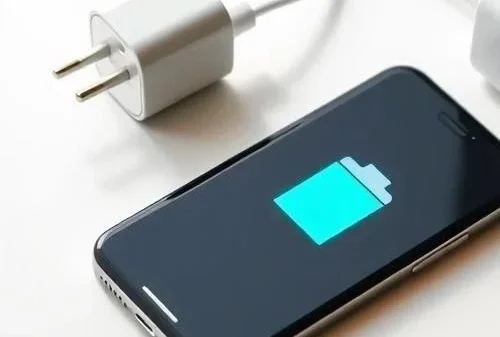
Usually, yes. Updating the screen more frequently can consume more power, although actual battery life also depends on brightness, apps, network use, and other settings. Choose 120 Hz if fluid motion is important to you; choose 60 Hz if extending battery life matters more. A sensible approach is to try both settings for a day or two and compare your own use, rather than expecting one option to be best for everyone.
Model names and the final answer
“Redmi Note 12” refers to a family of phones, including regional 4G and 5G versions and separate models such as the Note 12 Pro. Their specifications should not be treated as interchangeable. Check the full model name and local specification page if you are buying a particular variant. Touch-sampling rate is also a separate measurement: it describes how often the screen can register touches, not how often it refreshes the picture.
Bottom line: the regular Xiaomi Redmi Note 12 is generally specified with a 120 Hz display. That is the maximum screen refresh rate, not a promise that all content will play at 120 fps. Use the refresh-rate setting to balance smoother motion against battery consumption.

5 Comments. Оставить новый
The settings guidance is useful because it acknowledges that menus can differ by software version and regional model. Advising readers to verify their exact variant is more reliable than making a blanket claim.
I appreciate the balanced explanation that a 120 Hz display does not guarantee 120-fps video or gameplay. Pointing out the role of apps and content sets realistic expectations.
The article clearly distinguishes refresh rate from resolution and frame rate, which helps prevent a common misunderstanding. Its practical examples make the 120 Hz figure easier to interpret.
This is a concise and accessible explanation for anyone checking the Redmi Note 12’s display specifications. The distinction between what the screen supports and what an app actually displays is especially helpful.
The battery discussion gives readers a practical way to choose between smoother motion and longer battery life. I would have liked a note that the actual difference can vary with usage, though the article does mention other power factors.