
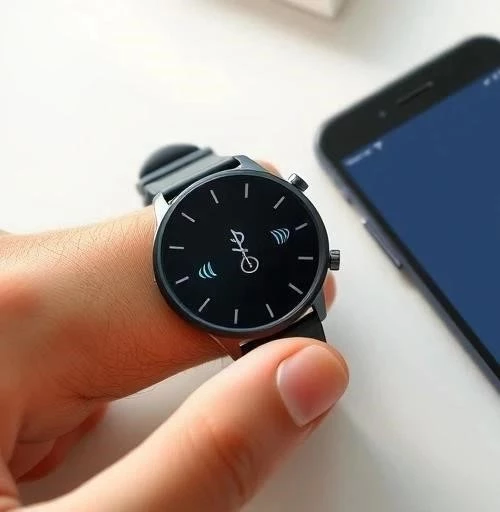
A new smartwatch should feel like a tiny control room on your wrist—not a puzzle with Bluetooth. The HOCO Y5 Pro can show notifications and, on versions with calling support, handle calls too. The key is to connect it through the correct companion app first, then pair its calling function separately if needed.
Before you begin
Charge the watch, switch on Bluetooth on your iPhone or Android phone, and keep the devices close together. Find the QR code in the watch’s menu or instruction leaflet. Scan it to identify the app recommended for your particular Y5 Pro. App names can vary by version, so follow the watch’s own QR code rather than guessing or installing an unrelated app.
Pair the watch in the companion app
- Install the recommended app from the App Store or Google Play. Check the publisher and app details before installing.
- Open the app, allow Bluetooth access, and grant notification or location permissions if requested. On Android, nearby-device or location access may be needed for Bluetooth scanning.
- Choose Add device, Bind device, or the equivalent option. Select the Y5 Pro when it appears in the list and confirm the pairing request on both screens.
- Wait for a connected message. The watch should then sync its time and basic data with your phone.
Want to answer calls?
Some Y5 Pro versions use a second Bluetooth connection for calls. If the app is connected but calling does not work, open your phone’s Bluetooth settings and look for the watch’s audio or calling entry. Tap it and accept the pairing prompt. Keep the app connection active too: one link handles watch data, while the other carries call audio. If your version has no calling feature, this extra step will not appear.
If the connection refuses to cooperate
- Keep the watch awake and close to the phone; then toggle Bluetooth off and on.
- Check that the watch is not already bound to another phone. Unbind it there first if necessary.
- In the app, remove the old pairing and try scanning again. Restart both devices if the Y5 Pro still does not show.
- Allow the app to run in the background and send notifications. Battery-saving settings can quietly block updates.
- If pairing repeatedly fails, reset the watch from its settings and start over. A reset may erase local data.
Small but important: pair from inside the companion app before using the phone’s general Bluetooth menu, except for the separate call-audio link. Once connected, send a test notification and check that the watch displays it. A successful setup is less like magic and more like two careful handshakes: one for your data, another for your voice.

6 Comments. Оставить новый
The advice to keep the watch awake and nearby sounds simple, but it’s the sort of detail that can rescue a pairing attempt from becoming a small domestic mystery. I’d happily follow this checklist.
The “tiny control room” image makes the setup feel approachable before the Bluetooth maze begins. I especially like the reminder to trust the watch’s own QR code—one small signpost can save a traveler from wandering into the wrong app.
A practical map through a surprisingly foggy pairing process. The Android permission note is a welcome detail; Bluetooth sometimes wants a whole pocketful of permissions before it will simply say hello.
Clear, patient, and refreshingly cautious about model variations. Instead of pretending every Y5 Pro behaves identically, the article leaves room for different versions—which is exactly the kind of honesty tech instructions need.
This guide has the calm voice of someone who has already untangled a stubborn cable. The distinction between the companion-app connection and a separate calling connection is the useful little plot twist here.
A neat little bridge between “I bought a watch” and “why is my phone ignoring it?” The steps are easy to scan, and the separate-call pairing explanation gives the article its most useful spark.