
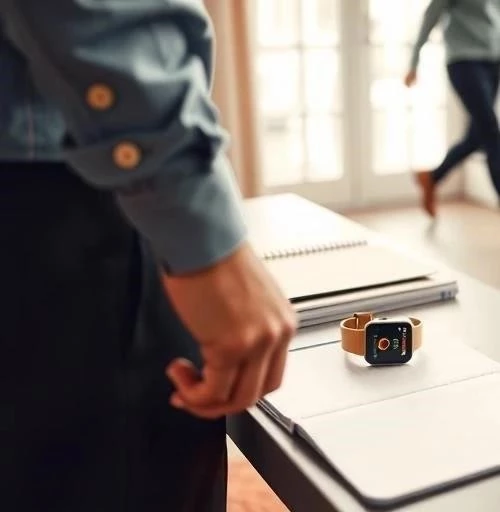
If you sometimes take off your Apple Watch and walk away without it, the Find My app can alert you when your iPhone becomes separated from the watch. The feature is called Notify When Left Behind. It can help you notice the separation before you travel far, although it is not a guarantee that the watch will be recovered.
Before you begin
Pair the Apple Watch with your iPhone and make sure Find My is enabled for your Apple Account. Keep Bluetooth and Location Services available on the devices. The names and positions of controls can vary slightly with software version, so install current updates if a setting is missing. The alert depends on the devices being able to determine that they are no longer together.
Turn on the alert
- Open the Find My app on the paired iPhone.
- Tap Devices and choose your Apple Watch from the list.
- Under Notifications, tap Notify When Left Behind.
- Turn on the option. If offered, review the trusted locations where you do not want an alert, then tap Done.
After setup, carry the iPhone with you and leave the watch behind in a place away from any locations you have marked as trusted. When the devices are separated, Find My can send a notification to the iPhone. Tap the notification or open the watch’s device card in Find My to review its last reported location and available actions.
Trusted locations and common issues
Trusted locations, such as home or work, are useful when you intentionally leave the watch there. You can review or change these locations from the left-behind notification settings for the watch. If you want an alert in a particular place, make sure that place is not excluded. Location estimates and notification timing can vary, especially indoors or where connectivity is limited.
If no alert arrives, check that the correct Apple Watch is selected and that the feature remains switched on. Confirm that Find My is enabled, the watch is associated with your account, and the iPhone can receive notifications. Restarting devices or updating their software may resolve a temporary problem. If the watch is offline, the alert or location update may be delayed until Find My can communicate with it.
What the feature does—and does not do
This setting is intended to warn you that your iPhone and watch have become separated; it does not detect every forgotten item instantly. It is also different from an alert for leaving your iPhone behind. Check the device card and notification options for the device you want to keep track of; If the watch is lost, use Find My to mark it as lost or play a sound when available, and follow the on-screen instructions. Notifications are a helpful reminder, not a substitute for checking that you have your belongings.
2 Comments. Оставить новый
The article presents the setup steps in a clear order and explains how trusted locations affect alerts. Its note that location estimates and notification timing can vary helps set realistic expectations.
The guide is practical for readers who want to enable separation alerts for an Apple Watch. The troubleshooting points cover several relevant settings, though the provided text appears to end mid-sentence.