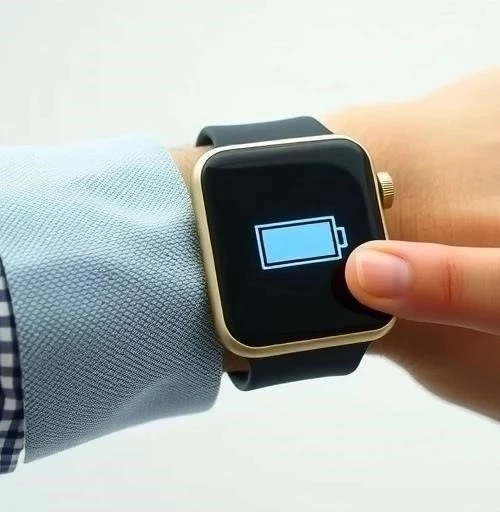
“Eco mode” is not Apple’s official name for a single Apple Watch setting. People usually mean Low Power Mode‚ which reduces power use while keeping the watch usable‚ or the older Power Reserve mode‚ which limits the watch to displaying the time. The way to turn the feature off depends on which screen you see. Identify the mode first so you do not follow the wrong instructions.
Turn off Low Power Mode
On Apple Watch Series 7 with watchOS 10 or later‚ press the side button once to open Control Center. (On watchOS 9‚ swipe up from the bottom of the watch face instead.) Tap the battery percentage‚ then tap Low Power Mode to switch it off. If a confirmation appears‚ confirm your choice. The yellow battery indicator should disappear when the mode is disabled.
You can also use Settings: press the Digital Crown to open the app list‚ tap Settings‚ then Battery. Tap Low Power Mode and turn it off. This route is useful if you cannot find the battery control in Control Center or prefer to check the setting directly.
If the watch only shows the time
If the display shows only a clock and most functions are unavailable‚ the watch may be in Power Reserve‚ rather than Low Power Mode. Press and hold the side button until the Apple logo appears‚ then release it and allow the watch to restart. A restart can take a short while. If the battery is nearly empty‚ connect the watch to its charger first; it may need sufficient charge before it can start normally.
What if the option is missing?
- Check the watchOS version. Low Power Mode is available from watchOS 9. Earlier software uses Power Reserve instead. Open Settings > General > About to check the installed version.
- Look for the correct control. On newer watchOS versions‚ the side button opens Control Center; on watchOS 9‚ Control Center opens with an upward swipe from the watch face.
- Restart if the control is unresponsive. Hold the side button‚ use the power control to shut down‚ and turn the watch on again. If it is frozen‚ a force restart is a last resort: hold the side button and Digital Crown together until the Apple logo appears. Do not force-restart during a watchOS update.
What changes when you switch it off?
Low Power Mode can reduce background activity and affect features such as always-on display‚ notifications‚ or cellular and Wi-Fi behavior‚ depending on how the watch is used. Turning it off restores normal operation‚ but the battery may drain faster. If you want to preserve charge‚ it is reasonable to leave the mode on until you need full functionality. If the watch is charged and you want its usual features‚ disable it using the steps above.
In short: use Control Center or Settings > Battery to turn off Low Power Mode. If the watch is showing only the time‚ charge it if needed and restart it by holding the side button. These two cases look similar in conversation‚ but they are different modes and require different actions.