
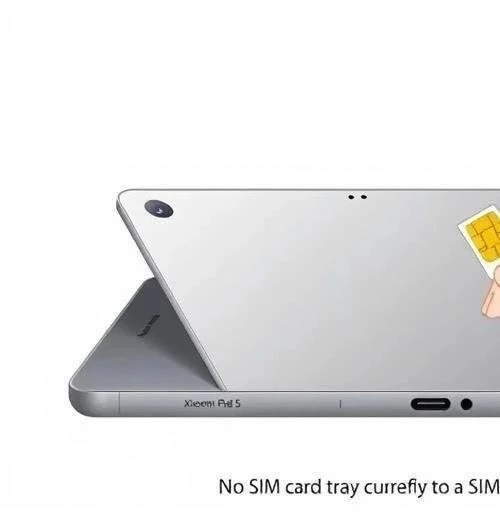
Short answer: You cannot insert a SIM card into the standard Xiaomi Pad 5. This model is Wi-Fi-only: it has no cellular modem or SIM-card tray. Therefore, there is no correct insertion procedure, and a SIM card will not provide mobile data on this tablet.
Check your exact model first
Tablet names and listings can be confusing, especially when sellers group different Xiaomi models together. Check the name in Settings > About tablet and compare it with the model printed on the box or device label. If it is a Xiaomi Pad 5, the absence of a mobile-network option and SIM tray is expected. A pinhole near an edge may be a microphone opening; do not push a SIM-eject tool into it. Forcing tools into openings can damage the microphone or the tablet.
Also, do not try to open the case or fit a SIM into a memory-card slot. The Pad 5 is not designed for either operation, and dismantling it may damage the device or affect warranty coverage. A SIM card from a phone, even one with an active data plan, cannot add cellular hardware that the tablet does not have.
How to get internet without a SIM slot
- Use a phone hotspot. Turn on the hotspot on your phone, then open Wi-Fi settings on the tablet, select the hotspot name, and enter its password. The phone uses its SIM connection and shares internet with the Pad 5.
- Connect to Wi-Fi. Choose a trusted home, school, or public network in the tablet’s Wi-Fi settings. Avoid sensitive transactions on unsecured public networks.
- Use a mobile Wi-Fi router. Put a data SIM in a compatible router, then connect the tablet to the router’s Wi-Fi network.
If having mobile data built into the tablet is essential, choose a tablet explicitly specified as a cellular, 4G, or 5G model and confirm that it has a SIM tray or eSIM support before buying; In short, the Xiaomi Pad 5 itself cannot accept a SIM; sharing a phone connection or using a cellular router is the practical solution.


4 Comments. Оставить новый
The warning about mistaking a microphone opening for a SIM tray is important. It helps prevent accidental damage from trying to insert an eject tool where it does not belong.
This is a sensible, well-organized explanation. It also gives good purchasing advice by telling readers to verify cellular or SIM support before choosing a tablet.
This clearly explains that the standard Xiaomi Pad 5 is Wi-Fi-only, so there is no SIM insertion method. The reminder to check the exact model is useful because product listings can be confusing.
The practical alternatives make the answer more helpful than a simple yes or no. Using a phone hotspot or a mobile Wi-Fi router gives readers realistic ways to get internet access.