
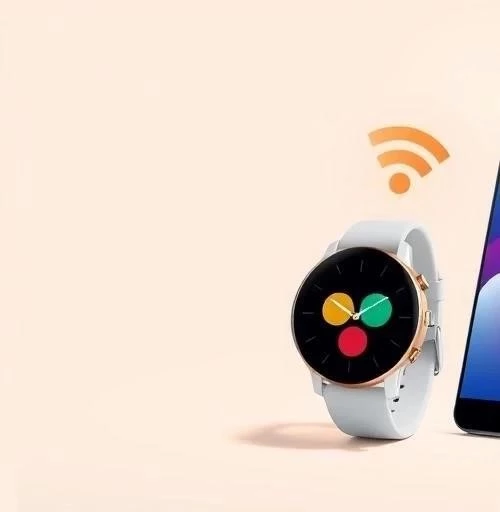
Short answer: You cannot pair an Apple Watch Series 6 directly with an Android phone. Apple does not provide an Android version of the Watch app‚ and Bluetooth alone cannot complete setup or make the watch work as an Android accessory. If your goal is to use the watch as a full smartwatch alongside an Android phone‚ there is no supported method.
Why direct pairing does not work
An Apple Watch must be set up and managed through the Watch app on a compatible iPhone. That process links the watch to the iPhone and an Apple Account‚ installs watchOS‚ and configures services such as notifications and cellular connectivity. An Android phone cannot perform these steps. Seeing the watch in Android’s Bluetooth menu—or trying a third-party app—does not create a genuine pairing and will not unlock its core functions.
A limited workaround
If you already have access to a compatible iPhone‚ you can set up the Series 6 with that phone first. After setup‚ the watch may continue to work for some tasks when the iPhone is not nearby‚ but this is not the same as connecting it to Android.
- On the iPhone‚ update iOS if needed‚ turn on Bluetooth and Wi-Fi‚ and open the Watch app.
- Choose Start Pairing‚ hold the watch near the iPhone‚ and follow the on-screen instructions.
- Complete setup‚ including Apple Account‚ passcode‚ and any available cellular plan.
- Keep using the paired iPhone for management and updates; do not expect the Android phone to replace it.
A cellular Series 6 may handle some calls‚ messages‚ or online features away from its iPhone when cellular service is correctly activated. Availability depends on the carrier‚ plan‚ and region. A GPS-only model generally needs its paired iPhone or a known Wi-Fi connection for connected features. Health tracking and downloaded content may remain available‚ but Android notifications and seamless Android messaging are not provided.
What about Family Setup?
Family Setup can configure certain cellular Apple Watch models using an iPhone‚ but it does not pair a watch with Android. It also has carrier‚ region‚ and feature limitations‚ so it is not a workaround for full Android compatibility.
Best option
If you want a watch that reliably syncs with Android‚ choose a model designed for Android. If you prefer the Apple Watch‚ plan to keep a compatible iPhone as its setup and management device. In short‚ the Series 6 can sometimes be used independently after iPhone setup‚ but it cannot be connected to Android as a supported companion watch.
3 Comments. Оставить новый
The practical steps for setting up the watch with an iPhone make the limited workaround easy to understand. The article also appropriately qualifies cellular features by carrier, plan, and region, rather than implying that every Series 6 will work the same way away from its paired iPhone.
This is a useful answer for someone deciding whether an Apple Watch Series 6 is suitable for use with Android. It directly addresses the central limitation and sets realistic expectations about notifications and messaging. A brief note about checking model and carrier compatibility could make the cellular section even more actionable.
The article clearly explains why Bluetooth discovery is not enough to pair an Apple Watch with an Android phone. Its distinction between initial setup and limited use after setup is especially helpful, since it prevents readers from expecting an unsupported workaround to provide full smartwatch functionality.