
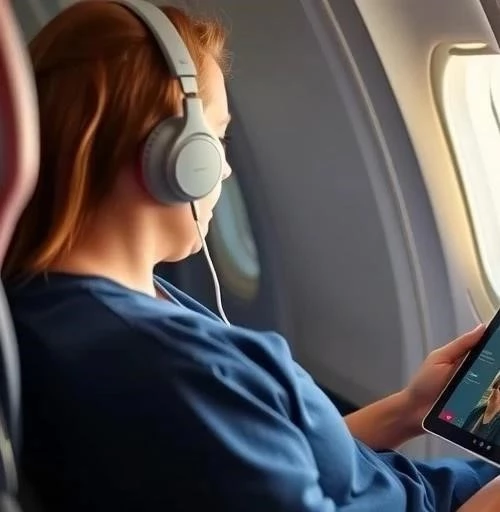
Yes. You can watch a Netflix movie on a plane without an internet connection if you downloaded it to a supported device before your flight and it is still available for offline viewing. This is a useful way to pass the time when onboard Wi-Fi is unavailable‚ slow‚ or too expensive. You do not need to stream the movie during playback‚ but you do need to prepare in advance.
How to prepare before you fly
- Connect your phone or tablet to reliable Wi-Fi and open the Netflix app.
- Find a film or show. If it is available to download‚ its title page will show a download option‚ usually a downward arrow.
- Tap the option and wait until the download is complete. Check the Downloads section in the app to confirm it is ready.
- Before leaving home‚ open the downloaded title and make sure it plays. Charge your device‚ and consider bringing headphones and a power bank.
Downloads are saved inside the Netflix app‚ not as ordinary video files. You generally cannot move them to a USB drive‚ play them in another video app‚ or use a web browser as a substitute for the app. The exact download features and supported devices can vary‚ so check the app and Netflix Help Center if you are unsure.
Will it work in airplane mode?
Usually‚ yes. Once a title is fully downloaded‚ it can play offline. You can switch on your device’s airplane mode and open Netflix’s Downloads section. Follow the airline’s instructions about device use and keep your phone or tablet in airplane mode when required. Some airlines let passengers enable onboard Wi-Fi after takeoff; that is optional for a saved movie.
If the app asks you to connect to the internet‚ try opening Netflix while you still have a connection before boarding. Downloads may have an expiration date or may need an occasional online check. A title can also become unavailable if its licensing changes. The app normally displays a notice or remaining time‚ so check this before travel and renew or download another title if needed.
What can prevent playback?
- The title was not downloaded. Browsing or adding a movie to My List does not save it for offline viewing.
- The download is incomplete or expired. Reconnect to the internet and check the Downloads section for instructions.
- There is not enough storage. Remove old downloads or free space before trying again.
- The app or device is unsupported or out of date. Update Netflix over Wi-Fi and verify that your device supports downloads.
- Your account or download settings limit access. Availability can depend on the title‚ subscription‚ device‚ and account settings.
Tips for a smoother flight
Download more than one option in case a movie is shorter than expected or you change your mind. Choose standard video quality if storage or download time is limited‚ and remember that a long film can use considerable space; Keep the app signed in‚ avoid deleting Netflix data‚ and test playback before you leave. If you use a child profile‚ check that the chosen title is available there too.
Bottom line: downloaded Netflix movies can be watched on a plane offline‚ provided they are saved in the app‚ supported on your device‚ and still valid. Download and test them at home rather than relying on airport or cabin internet.
4 Comments. Оставить новый
I appreciate the distinction between offline playback and needing internet access to prepare. The advice is straightforward and easy to follow.
Useful travel tips, especially the note that downloads stay within the Netflix app. This helps set realistic expectations for watching on a plane.
A practical guide that makes it clear why downloading and testing a title before leaving home can prevent frustration during a flight.
The reminders about download availability and expiration are especially helpful. A saved movie is convenient, but it is wise to check that it still plays before boarding.