
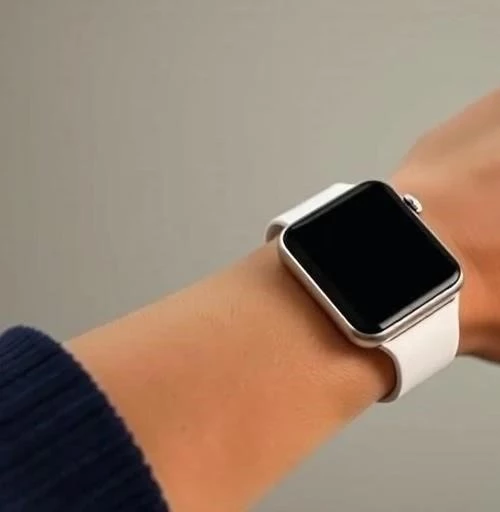
Apple Watch does not take heart-rate readings at one publicly specified, fixed interval. Instead, it checks your pulse periodically during ordinary wear and measures it more frequently during workouts. The exact timing can vary with your activity, watch model, settings, fit and operating conditions. For this reason, there may be gaps between readings in the Health app, even when the watch is being worn correctly.
During everyday wear
The watch’s optical heart-rate sensor uses green LEDs and light-sensitive sensors on the back of the case to estimate blood flow through the wrist. When you are not using the Workout app, it takes background measurements throughout the day, including when you are relatively still. Apple describes these as periodic readings but does not promise a universal schedule, such as one measurement every minute or every five minutes. A graph in Health may therefore show readings at uneven intervals rather than a continuous record.
Measurements can be more difficult to obtain while you are moving, if the band is loose, or if conditions interfere with the sensor. Cold skin, tattoos over the sensor area and certain movements may also affect readings. If the watch cannot get a reliable result, it may take longer to record one or show no reading for a period. Missing points do not necessarily mean that the heart stopped being monitored; they can reflect the limitations of wrist-based optical sensing.
During a workout
When a workout is in progress, Apple Watch is designed to measure heart rate continuously or at frequent intervals so that it can display current readings and calculate workout information. “Continuous” in this context describes the workout tracking experience, not a medical ECG tracing that records every heartbeat without interruption. The optical sensor still depends on contact with the skin, and vigorous arm movement or a poor fit can cause gaps or less reliable values.
For a more dependable workout reading, wear the watch snugly on the top of the wrist, with the back of the case touching the skin. It should be secure enough not to slide around, but not uncomfortably tight. After exercise, the watch may continue recording recovery heart rate for a short period, depending on the workout and software behaviour.
What affects the frequency?
- Activity: Workout tracking generally prompts more frequent heart-rate checks than ordinary background use.
- Movement and fit: Loose contact or repetitive wrist motion can make a reading harder to capture.
- Power and settings: Low Power Mode and other settings may limit background measurements or features. Available behaviour can differ by watch and software version.
- Sensor conditions: Skin temperature, tattoos and other factors can affect the optical signal.
Where to see readings
Open the Health app on your iPhone, tap Browse, then Heart and Heart Rate to review recorded measurements. The watch’s Heart Rate app can show a current reading when opened, while the Health app provides a longer-term view. Checking the app manually requests a measurement; it does not change the background schedule into continuous monitoring.
Heart-rate notifications for unusually high or low readings are a separate feature. They are based on periodic checks when you appear inactive, and they are not a substitute for a clinician’s assessment. Likewise, the ECG app requires you to start a recording and hold a finger on the Digital Crown; it is distinct from the optical sensor’s routine pulse measurements.
Bottom line
Apple Watch samples heart rate periodically during normal wear and more frequently during a tracked workout, but Apple does not publish one fixed interval that applies in every situation. Treat the watch as a fitness and wellness tool, not a continuous medical monitor. If a reading seems unusual, repeat it while resting and check how the watch fits. Seek medical advice for symptoms or concerns rather than relying on a wearable reading alone.
1 Comment. Оставить новый
The explanation clearly distinguishes everyday sampling from workout tracking and provides useful context about factors that can affect readings.