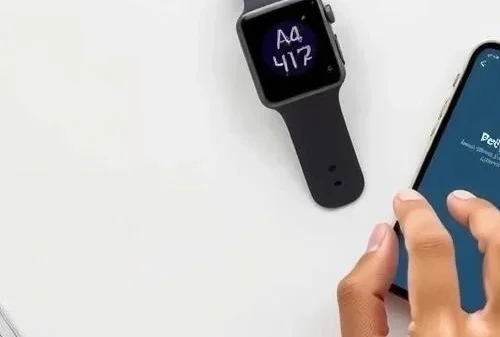
Most watches turn on with a button, but the exact steps depend on whether you have an Apple Watch, another smartwatch, or a traditional digital watch. If the screen is black, first check that the device has enough battery and that you are pressing the correct control.
Turn on an Apple Watch
- Press and hold the side button, located below the Digital Crown.
- Keep holding it until the Apple logo appears, then release the button. Startup may take a short while.
- If the watch does not respond, place it on its magnetic charger and leave it charging for at least 30 minutes; Then try holding the side button again.
The Digital Crown is the round dial on the side; turning or pressing it is not usually how you power the watch on. To turn an Apple Watch off, press and hold the side button until the power controls appear, then follow the on-screen instructions. To restart a frozen watch, hold the side button and Digital Crown together for about 10 seconds, releasing when the Apple logo appears. Avoid forcing a restart while watchOS is updating.
Turn on another smartwatch
For Samsung Galaxy, Wear OS, Fitbit, and other smartwatches, press and hold the main power or home button for a few seconds. On some models, the button is on the side; on others, it may be a touch control. Look for the manufacturer’s logo or a startup screen. If nothing happens, consult the model’s guide, since button combinations vary.
If the watch will not turn on
- Charge it: Connect the supplied charger securely to a working power source. Check that the charging contacts or puck align correctly. A completely drained battery may need several minutes before anything appears on screen.
- Check the power source: Try a different wall adapter, outlet, or USB port. Inspect the cable and charger for damage, and do not use damaged accessories.
- Try a normal restart: Hold the power button longer than usual, but do not repeatedly press buttons while the watch is charging or updating.
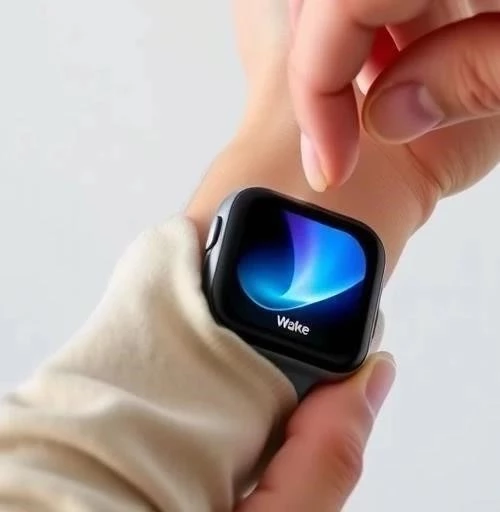
- Check the display: Raise your wrist, tap the screen, or press a button. The watch may be on with its display asleep or in a low-power mode.
If the watch becomes unusually hot, looks swollen, or still will not start after charging with a compatible charger, disconnect it and contact the manufacturer or an authorized service provider. Do not open the case or attempt to remove the battery yourself.
Set it up after startup
When a new smartwatch starts, follow the prompts on its screen. Apple Watch setup normally uses a nearby iPhone; many other watches pair through the maker’s phone app. Keep the phone’s Bluetooth on, sign in if requested, and allow the devices to finish syncing. If the watch was previously paired, it may ask for the original account or phone before it can be used.
Quick answer: For an Apple Watch, hold the side button until the Apple logo appears. For most other smartwatches, hold the power or home button. If the screen stays black, charge the watch first.