
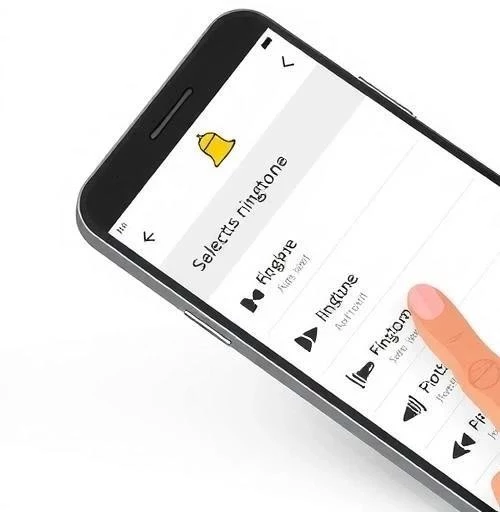
You can use a built-in ringtone or an audio file stored on your Xiaomi phone. The exact labels and menu layout vary slightly between MIUI and HyperOS versions, but the main steps are similar. Before you begin, make sure the audio file is saved on the phone and is not protected by digital rights management.
Choose a built-in ringtone
- Open Settings.
- Tap Sound & vibration. On some versions, the section may be called Sound.
- Tap Ringtone. If the phone has two SIM cards, select the SIM whose ringtone you want to change.
- Browse the available tones. Tap a tone to preview it.
- Select the preferred tone and tap Apply, OK, or the confirmation button shown on the screen.
The selected sound will play for incoming calls on the chosen SIM. On a dual-SIM phone, repeat the process for the other SIM if you want both lines to use the same tone. You can also assign different tones to distinguish calls to each number.
Use a song or other audio file
To use your own sound, first copy or download the audio file to the phone’s internal storage. Common formats such as MP3, M4A, and WAV are usually supported, although support can depend on the software version and file encoding. A file stored only in a cloud service may need to be downloaded before it can be selected.
- Go to Settings > Sound & vibration > Ringtone, then choose the appropriate SIM if prompted.
- Look for Choose local ringtone, Select from files, or a similar option. It may appear below the built-in tones or after tapping a plus sign.
- Choose a source, such as File Manager, Music, or Recorder.
- Find and tap the audio file. If a preview or trimming screen appears, listen to the selection and adjust it if the controls are available.
- Tap Apply or OK to save the selection.
Some Xiaomi versions open the Themes app when you select a ringtone. In that case, open the ringtone section, choose a tone, and use the option to select a local file if available. You may be asked to grant access to music or files. Allow access only if you are comfortable with the app using that content; the permission is needed to browse audio stored on the device.
Set a ringtone for one contact
If you want one person to have a distinct ringtone, open the Contacts app and select that person. Tap Edit or the three-dot menu, then look for Set ringtone or Default ringtone. Choose a tone and save the contact. Menu names differ by app version. If the option is missing, check that the contact is saved to the phone or a supported account rather than only on the SIM card.
If the ringtone does not appear or play
- Check the file location. Make sure the audio is downloaded to internal storage and can be played in a music or file app.
- Try another format or file. A damaged, unsupported, or protected file may not appear in the ringtone picker.
- Check call volume and sound mode. Use the volume buttons or open Sound & vibration. Silent mode, Do Not Disturb, or a very low ringtone level can prevent an audible ring.
- Check the selected SIM. On a dual-SIM device, confirm that the tone was assigned to the line receiving the call.
- Restart the phone. If a newly copied file is not listed, restarting may refresh the media library. You can also reopen the picker and browse to the file again.
Changing the ringtone does not necessarily change notification sounds, alarms, or media volume; those settings are controlled separately. After saving, place a test call if practical. If the menus differ, use the search field in Settings and search for “Ringtone” or “Sound.”



3 Comments. Оставить новый
The article presents the steps for choosing either a built-in ringtone or a local audio file. It also notes that menu labels can vary across software versions.
The explanation of dual-SIM ringtone settings is useful, especially the reminder to select the correct SIM before applying a tone.
The article gives practical guidance on selecting a personal audio file and mentions that format support may depend on the phone’s software and file encoding.