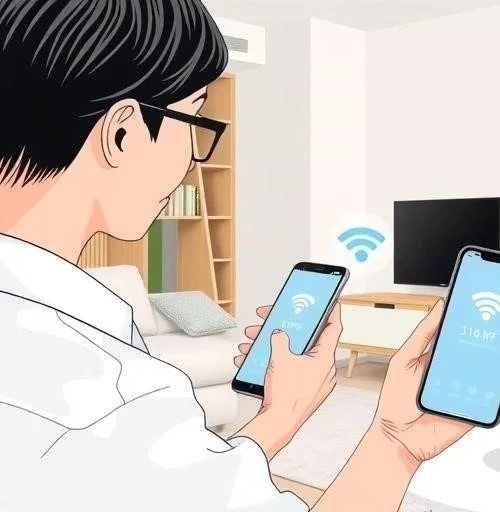
Connect your Xiaomi air purifier to Wi-Fi through the Xiaomi Home app (also called Mi Home in some regions). Once paired, you can check air quality, change operating modes, set schedules and control the device remotely. Menu names may vary slightly by app version and purifier model.
Before you start
- Install Xiaomi Home from the Apple App Store or Google Play, then sign in or create an account.
- Connect your phone to your home Wi-Fi. Many purifier models support only 2.4 GHz networks, so use that band if pairing fails.
- Turn on the purifier and place it near the router during setup. Keep the Wi-Fi password handy.
- Allow the app to use Bluetooth, location or nearby-device access if your phone requests these permissions. They can help the app find the purifier.
Pair the purifier
- Open Xiaomi Home and select the correct country or region in the app’s profile/settings. A device may not appear if the selected region does not support it.
- Tap the + button, then choose your purifier from the nearby-device list or search by its model name. If prompted, scan the QR code on the device or in its manual.
- Follow the on-screen instructions. Select your home Wi-Fi network and enter its password carefully. Keep the phone close to the purifier while the connection is being established.
- When pairing completes, choose a room and give the device a recognizable name. Open its control screen to confirm that status and controls load.
If connection fails
Check that the password is correct, the router is online and the phone is using the same 2.4 GHz network required by the purifier. Temporarily disable a VPN, move closer to the router and retry. If your router combines 2.4 and 5 GHz under one network name, try separating the bands or temporarily connecting to the 2.4 GHz band.
Restart the purifier, phone and router, then try adding the device again. If it was previously paired, reset its Wi-Fi using the button combination specified for that exact model; reset steps differ between models. Remove an old device entry in the app if needed. Do not factory-reset the purifier unless the manual recommends it.
After setup
Keep the purifier plugged in and connected to Wi-Fi for remote controls, alerts and schedules. If you change your router or password, reconnect it through the app. For persistent errors, update Xiaomi Home, check the purifier’s manual and confirm that the app region matches the device. Basic purification should still work from the purifier’s own controls if internet access is unavailable.