
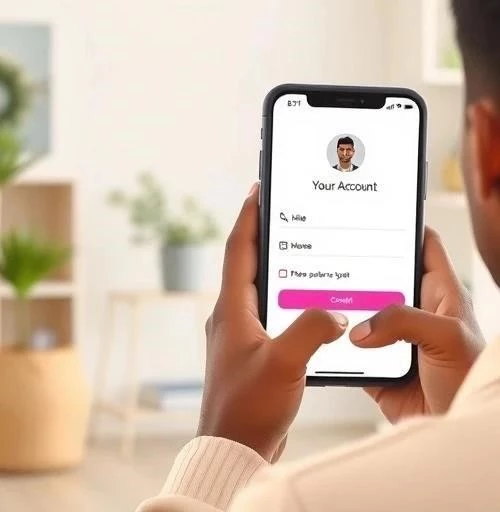
A Xiaomi Account gives you a single login for compatible Xiaomi services and devices. Depending on your region and device, it can help you sync data, use Xiaomi Cloud, locate a supported phone, and manage account settings. Registration is generally free, but available services and features vary by country. The safest approach is to sign up through Xiaomi’s official website or the account settings on your device—not through an unfamiliar link.
Before you begin
Prepare an email address or mobile number that you can access. Xiaomi may use it to send a verification code and help you recover your account later. Choose a strong, unique password; reusing a password from another service increases the risk that a breach elsewhere could expose your Xiaomi login. If you are setting up a child’s device, check the age requirements and local terms before proceeding.
Register on the website
- Open Xiaomi’s official account portal by typing account.xiaomi.com into your browser. Check the address carefully and make sure the connection is secure.
- Select the option to create an account. Choose your country or region if prompted, then select registration by email or phone number. The available choices can differ by location.
- Enter the requested details. For phone registration, choose the correct country calling code. For email registration, use an address you can open now.
- Read the terms and privacy information, then continue only if you agree. Complete any displayed security check and request a verification code.
- Retrieve the code from your text messages or inbox, including the spam folder, and enter it on the registration page. Codes expire, so request a fresh one if necessary.
- Create a strong password and finish the on-screen steps. Save the login details in a trusted password manager rather than in a public or shared note.
Register on a Xiaomi phone
You can usually create or sign in to an account during phone setup, or later in Settings. Look for Xiaomi Account or Sign in to your Xiaomi Account; menu names may vary with the device and software version. Choose account creation, provide an email address or phone number, verify it, and follow the prompts. If you already have an account, sign in instead of making a duplicate. This helps keep synced information and device services associated with one profile.
After registration
Review your profile and recovery options, add a backup email or phone number where available, and turn on two-step verification if offered. These precautions make it harder for someone else to access your account and make it easier to regain access if you lose your device. Only enable cloud sync for information you actually want stored online; review the relevant privacy controls and available storage before relying on it.
If something goes wrong
If a code does not arrive, confirm the address or number, country code, network connection, and spam folder. Wait briefly before requesting another code, since repeated requests may cause delays. If the portal says the email or number is already registered, use the sign-in or password-recovery option rather than registering again. Never share verification codes or passwords with anyone claiming to be support. For unresolved problems, use Xiaomi’s official support channels for your region.


4 Comments. Оставить новый
The guidance is sensible, particularly the suggestion to store login details in a trusted password manager. The article appears to end mid-sentence, though, so completing the phone-registration section would make the instructions more useful.
This is easy to follow because it separates website registration from setting up an account on a phone. The security reminders are relevant without making the process sound more complicated than it needs to be.
The preparation section is practical: readers are reminded to use contact details they can access and to choose a unique password. Mentioning that registration options vary by region also avoids implying that every user will see the same steps.
The article gives a useful, cautious overview of account registration. I especially appreciate the advice to access Xiaomi’s official portal directly, since that can help readers avoid phishing links.