
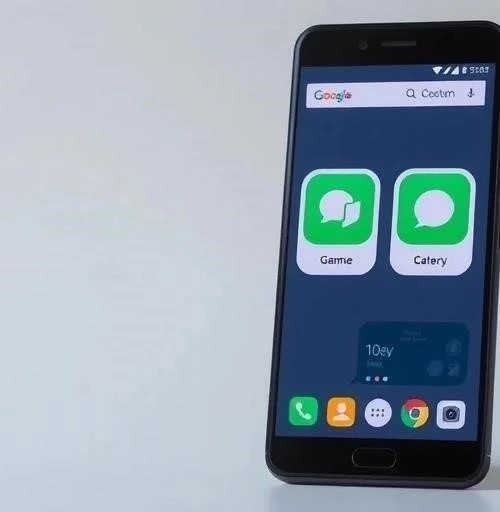
Your Xiaomi can keep two WhatsApp accounts in separate little “rooms”: one for family, one for work, or perhaps one for the group chat that believes every message needs seventeen exclamation marks․ The simplest route is Xiaomi’s built-in Dual apps feature․ Menu names vary slightly between MIUI and HyperOS versions, but the idea is the same: create an official second copy, then register it with another phone number․
Before you begin
- Update WhatsApp from Google Play and install available Xiaomi system updates․
- Have access to a second phone number that can receive an SMS or verification call․ Each WhatsApp account needs its own number․
- Make sure your phone has enough free storage for another app and its media․
A SIM card for the second number does not necessarily have to stay in the Xiaomi after verification, but the number must remain accessible if WhatsApp later asks you to confirm it․ Never share a verification code with anyone․
Method 1: Use Xiaomi Dual apps
- Open Settings on your Xiaomi․
- Find Apps, then tap Dual apps․ On some versions, the feature may appear directly in Settings, or under Apps > Dual apps․
- Choose WhatsApp from the list and switch on the option to create a clone․
- Wait while Xiaomi adds the second app․ Its icon usually carries a small badge, helping you distinguish it from the original․
- Open the new icon, agree to WhatsApp’s terms, and enter the second phone number․
- Enter the code sent by SMS or request a call if that option is offered․ Follow the setup prompts to add a name and, if you like, a profile picture․
You now have two apps, two account registrations, and two separate inboxes․ Open the original icon for the first account and the marked icon for the second․ To avoid sending a work update to your aunt—or a family photo to your manager—check the account name at the top before you start a chat․
If “Dual apps” is missing
Not every Xiaomi model or software version offers the feature, and the path can change after an update․ Search Settings for Dual apps or Clone apps․ If the feature is unavailable, a safe alternative is the official WhatsApp Business app from Google Play․ It can be used for a second account with a different number; despite its name, you do not have to run a company․ Set it up in the same way, verifying the number you want to use․
You can also use WhatsApp’s supported linked-device option when your goal is to access an existing account on another device․ That is different from creating a second account: registering the same number as a new account in another installation may log the original phone out․ For two independent inboxes, use two different numbers․
Make the second inbox behave
- Notifications: Check Settings > Notifications and allow alerts for both app icons․ You can set different notification tones to tell them apart․
- Battery: If messages arrive late, look in the Xiaomi battery or app settings and allow background activity for the cloned app․ Menu labels depend on the model․
- Contacts and media: Grant only the permissions you need․ If names do not appear, check contact permission and contact-sync settings;
- Backups: Set up backups inside each account’s WhatsApp settings․ Confirm the number and Google account before restoring or backing up chats․
Keep your chats safe
Use only Xiaomi’s built-in cloning feature or official apps from Google Play․ Avoid modified WhatsApp APKs and “clone” tools from unknown websites: they may expose messages, steal credentials, or stop working after an update․ Before deleting a cloned app or turning Dual apps off, save anything important and check its backup․ Removing the clone can erase its local chats and media․
In short: open Settings, create a WhatsApp clone with Dual apps, and verify it using a second number․ If Xiaomi does not offer cloning, try the official WhatsApp Business app․ Two icons make the accounts easy to spot; a quick glance before you tap keeps your digital life from crossing its own wires․

1 Comment. Оставить новый
A useful little guide to giving your phone a second WhatsApp “door”—and a welcome reminder that the spare account still needs a number you can reach. The advice to check which account is open before messaging might save more awkwardness than any settings menu.