
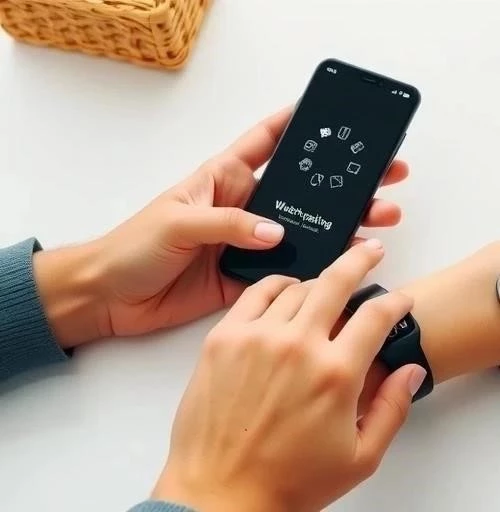
You can move an Apple Watch to a new iPhone and keep its settings and data. The smoothest method is to transfer or restore the old iPhone’s backup during setup of the new phone. Before starting, make sure you know your Apple Account password and the iPhone passcode, and have both devices nearby.
Prepare the devices
- Update the old iPhone and Apple Watch to the latest versions available to them.
- Connect the iPhone to Wi-Fi and turn on Bluetooth. Keep the Watch and iPhone charged; a charge level of at least 50 percent is recommended.
- Back up the old iPhone to iCloud or a computer. An iPhone backup includes Apple Watch data when the devices are paired, with some exceptions, such as cards used with Apple Pay.
Pair the Watch during iPhone setup
- Turn on the new iPhone and follow its setup instructions. If offered, use Quick Start to transfer information from the old iPhone, or restore an appropriate backup.
- When the new iPhone is set up, keep the Watch close to it. Open the Watch app and tap Start Pairing, or tap All Watches and then Add Watch.
- Choose the option to set up the Watch for yourself. Point the iPhone camera at the animation on the Watch, or choose manual pairing and follow the prompts.
- If asked, restore the Watch from a backup. Select the most recent backup, then continue through the on-screen steps; Keep the devices close together and connected to power while data and apps sync;
If a prompt says the Watch is still paired with another iPhone, use the old phone to unpair it first. In the Watch app, open All Watches, tap the information button next to the Watch, and choose Unpair Apple Watch. This creates a current Watch backup on the iPhone and removes the pairing. Then repeat the pairing steps with the new phone.
If you no longer have the old iPhone
Start pairing from the Watch app on the new iPhone. If the Watch asks for the Apple Account previously used with it, enter that account’s password; this is Activation Lock. If necessary, erase the Watch from its Settings app and pair it again, then restore a backup if one is available. Erasing removes content stored on the Watch, so use an existing backup whenever possible.
Check the transfer
After pairing, allow time for apps, settings, and health data to appear. Keep both devices on Wi-Fi and near each other. If pairing stalls, restart the iPhone and Watch, check Bluetooth and Wi-Fi, and try again. Do not erase the old iPhone until the Watch is working and the information you need is present on the new phone.

6 Comments. Оставить новый
The article distinguishes between setting up with the old iPhone and proceeding without it.
The numbered sequence of actions makes the transfer instructions straightforward to follow.
The guidance on keeping the devices nearby and charged is a useful practical detail.
The explanation of Activation Lock makes an important account requirement clear.
Including both the backup and unpairing instructions helps explain the main parts of the transfer process.
The steps are organized clearly, from preparing the devices to pairing the Watch with the new iPhone.