
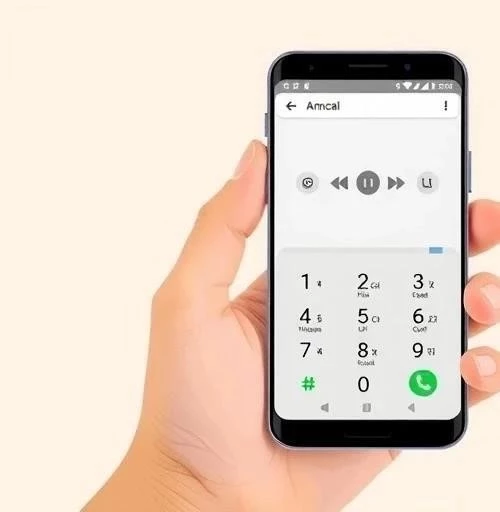
If your Xiaomi phone makes a tone every time you tap a number, you can usually disable it in the Phone app’s settings. This changes the sound made while entering numbers; it does not affect your ringtone, notification alerts, or the other person’s ability to hear you during a call. Menu names vary slightly between MIUI, HyperOS, and Phone app versions, so try the route that matches your device.
Method 1: Change the Phone app setting
- Open the Phone app—the app you use to make calls.
- Tap the three-dot menu, usually in the upper-right corner, and choose Settings.
- Look for Sounds and vibration, then switch off Dial pad tones or Keypad tones.
- Return to the dial pad and tap a number to check that the sound has stopped.
On some versions, the option is listed directly in Phone settings rather than under a sound submenu. If you use Google Phone, the labels may differ, but the dial-pad sound control is generally within its settings.
Method 2: Check Xiaomi’s system sound settings
If you cannot find the control in the Phone app, open Settings and go to Sound & vibration. Select Additional settings, then turn off Dial pad tones or Play tones when using the dial pad, if shown. Xiaomi reorganizes menus between software releases; use the Settings search field and search for “dial pad” or “tones” when the path is different.
If the tones continue
- Make sure you changed the setting in the app that actually places calls. Some phones have more than one dialer installed.
- Close and reopen the Phone app, then test again. If necessary, restart the phone.
- Check that you disabled dial-pad tones, not all system sounds. Muting the phone is a quick alternative, but it may also silence alerts you still want to hear.
These steps affect the local sound you hear while tapping digits. They do not necessarily disable touch sounds elsewhere in the interface or tones produced by a carrier during a call. If you want to silence general screen taps too, look separately for Touch sounds under Sound & vibration. Keeping the controls separate is useful: you can make dialing quiet without losing important calls or notifications.
In short
Start in Phone → Settings → Sounds and vibration → Dial pad tones. If that option is absent, check Settings → Sound & vibration → Additional settings, or search Settings. Menu wording depends on the Xiaomi model and software version.


3 Comments. Оставить новый
The article clearly distinguishes dial-pad tones from ringtones and notifications, which helps prevent readers from changing broader sound settings unnecessarily. The reminder that menu labels vary across Xiaomi software versions also makes the instructions practical.
This is a focused and accessible guide. Its explanation that local keypad sounds differ from tones heard during a call sets realistic expectations, while suggesting Settings search gives readers a helpful fallback when menus have moved.
Including both the Phone app and system-settings routes is useful, especially for readers whose dialer does not show the expected option. The troubleshooting section adds sensible checks without suggesting that muting the entire phone is the only solution.