
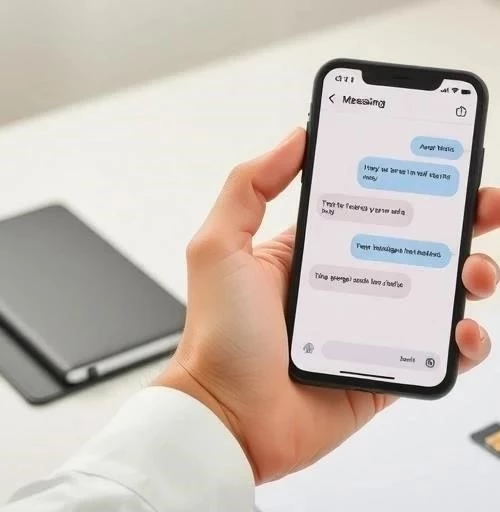
A SIM card is a tiny key, not a little filing cabinet․ On most modern Xiaomi phones, text messages are saved in the phone’s storage or synced with a messaging service—not automatically kept on the SIM․ Still, if your card contains older SMS messages, you may be able to view or import them․ The exact menu depends on your Xiaomi model, Android version, MIUI or HyperOS version, and messaging app․
First, check the Messages app
- Open Messages—usually Google Messages, or the SMS app supplied with your phone․
- Tap your profile picture or the three-dot menu in the upper-right corner․
- Look for Messages settings, Advanced, or an option named SIM card messages․
- If you use two SIMs, select the relevant SIM․ Open a message to read it; if available, use the menu to copy or import it to the phone․
Some versions show SIM messages directly in the menu; others do not offer a separate SIM inbox at all․ In Google Messages, the location and availability of SIM-message tools can vary by app version and region․ If you cannot find the option, update Messages and check the phone’s built-in messaging app․ A missing menu does not necessarily mean the SIM is empty—it may mean the app cannot display its contents․
Check Xiaomi’s system settings
On some MIUI or HyperOS builds, SIM-related controls may be under Settings → Apps → System app settings → Messaging, or within the settings page for your default SMS app․ Names and paths vary, so use Settings search and try “SIM messages” or “SMS․” If your phone offers an import option, follow its prompts and choose the correct SIM before confirming․
There is an important distinction: SIM settings are not the same as SIM-stored messages․ The SIM cards page under Settings → SIM cards & mobile networks normally manages calls, data, and preferred SIMs․ It usually does not contain your text-message archive․
If you are moving messages from another phone
Put the original SIM into the Xiaomi, restart the phone if needed, and open the default SMS app․ Give it a moment to detect the card, then look for a SIM-message or import command․ If the app offers to copy messages, import them to the phone: this is safer than relying on a small card as your only archive․ Keep the old phone available until you have confirmed that the messages appear correctly․
Older SIM cards may hold only a limited number of short messages, and they may not preserve conversation threads, photos, or other attachments․ Messages that were stored only in the previous phone’s memory will not magically travel with the SIM․ For those, use the old phone’s transfer or backup feature instead․
No “SIM card messages” option?
- Set the app you are checking as the default SMS app: Settings → Apps → Default apps → SMS app․ The exact wording may differ․
- Check that the SIM is inserted correctly, enabled, and recognized․ With dual SIM, confirm you are checking the right slot․
- Update the messaging app and system software, then reopen the app․ A restart can help the phone detect a newly inserted card․
- Try the messaging app on the phone that originally used the SIM․ Some devices provide better access to older SIM-stored texts than others;
A SIM PIN protects access to the card; it does not reveal or restore messages․ Don’t keep guessing a PIN—too many incorrect attempts can lock the SIM and require a PUK code from your carrier․ Also avoid factory-resetting the phone or deleting message data while troubleshooting: either action can erase SMS saved on the device․
Can you recover deleted SMS from a SIM?
Usually, there is no dependable “undelete” button․ If the messages were removed from the SIM, recovery may be impossible, especially if the card has been reused․ If they were stored on the Xiaomi, check the messaging app’s archive or trash (if it has one), and look for a phone backup․ Google One, Xiaomi Cloud, or a previous device-transfer backup may help only if SMS backup was enabled beforehand․ Restore carefully: some restore methods replace existing data․
The short version
Open your messaging app and look for SIM card messages or Import; select the correct card, then copy anything important to the phone․ If that option is absent, your Xiaomi may not support viewing SIM-stored SMS through its current app—or the messages may never have been stored on the SIM․ Think of the card as a narrow doorway: it can carry a few old notes, but your phone or backup is usually the real library․