
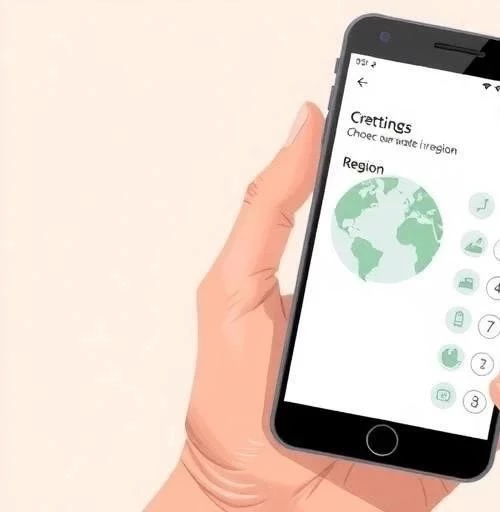
For most people, the best choice is the country where they live; If you use the phone in the United States, choose the United States; if you live in France, choose France. This is the sensible default because Xiaomi’s regional settings are intended to tailor certain services and recommendations to a market, not to unlock a universally superior version of the phone.
What the region setting can affect
Depending on your Xiaomi model, software version and location, changing the region may alter available themes, fonts, online services, recommendations, app content or the way some system features are presented. It can also affect whether certain Xiaomi services appear in the interface. The options are not identical on every device, and features may change after software updates.
Some users switch regions because they have heard that another country offers more themes or fewer restrictions. That may work for a particular feature, but it is not guaranteed. A different selection can also bring unwanted recommendations, unfamiliar content or services that are not useful where you live. There is no single region that is best for every Xiaomi owner.
What changing region does not do
The setting is not the same as changing your phone’s language, location, SIM card or software ROM. Selecting another country does not turn a global model into a Chinese model, change its supported network bands, or guarantee earlier Android or HyperOS updates. Updates are generally determined by the device model, software branch and rollout schedule. A region change is not a reliable way to bypass those factors.
It also does not replace checking local requirements. If you are concerned about payment features, warranty coverage, emergency services or network compatibility, check the exact model and the service provider’s terms. Do not assume that choosing a country in Settings changes where a warranty is valid or makes a region-specific service available.
How to choose and change it
- Start with your actual country of use. This is the least confusing option and usually the most suitable for local services.
- If you need a specific theme or feature, check whether it is available for your model and software version before experimenting. Change one setting at a time so you can identify what made a difference.
- On many Xiaomi phones, open Settings → Additional settings → Region, choose the country, and follow any on-screen instructions. Menu names can differ across MIUI, HyperOS and device models.
If an experiment causes problems, return to your home region and restart the phone. Avoid changing regions to install unofficial firmware or to sidestep security controls; those are separate actions with different risks. In short, set your Xiaomi to your country of residence unless you have a specific, verified reason to choose another region. For everyday use, a stable, locally appropriate setup is more useful than chasing a supposed “best” setting.

3 Comments. Оставить новый
This is a balanced explanation because it separates regional content settings from hardware, network compatibility and software updates. That distinction should help readers avoid changing regions based on unrealistic promises.
The advice to keep the phone set to the country where you live is practical, while still acknowledging that another region may offer specific features. The reminder to check warranty and service terms is especially useful.
The article appropriately notes that effects vary by model and software version, rather than presenting one region change as a universal solution. A concrete example of a setting that may vary would make the explanation even clearer.