
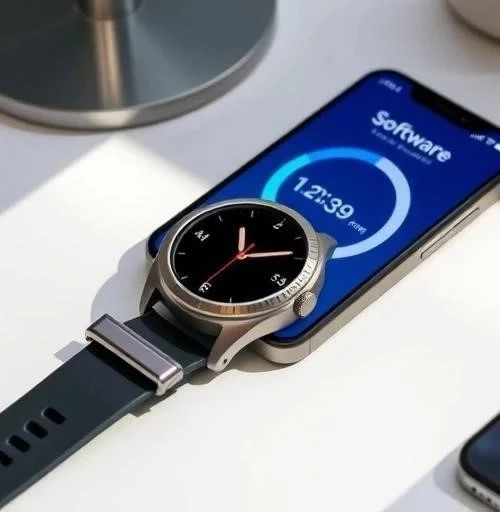
“How often do Apple Watches update?” can mean two things: how often Apple releases watchOS software, or how often new Apple Watch models appear․ Software updates arrive much more frequently than new hardware․ There is no single fixed date for every update, and availability can vary by watch model, paired iPhone, region, and rollout schedule․
How often is watchOS updated?
Apple generally releases one major watchOS version each year, usually announced at its annual developer conference and made available to the public in the fall․ A major release brings the biggest changes, such as new features, interface adjustments, and support for newer devices․ The exact month and launch day can change from year to year․
Between major versions, Apple issues smaller updates as needed․ These may arrive every few weeks or months, rather than on a guaranteed monthly timetable․ They can fix bugs, improve performance, address security issues, or add features․ Some releases are primarily security updates and may not introduce anything noticeable in everyday use․ Apple can also release an update sooner when an important problem needs attention․
Updates do not necessarily reach every watch at the same moment․ Availability can be staggered, and older models may receive a different update—or no update—if they are no longer compatible with the latest software․ Check Apple’s release notes and compatibility information for the specific watchOS version you are considering․
How often are new Apple Watch models released?
Apple has often introduced new Apple Watch hardware about once a year, commonly in the fall, but this is a pattern rather than a promise․ A new model does not mean that every watch in the lineup is replaced, nor does it mean an existing watch stops working․ Apple may update some product lines while keeping other models on sale, and release timing can change․
For a purchase decision, compare the features you need, the model’s compatibility with current watchOS, and Apple’s published support information․ Don’t assume that a watch must be replaced simply because a newer generation is announced․ A supported model can continue to receive software updates and remain useful for years, though the length of future support varies․
How long does installing an update take?
The download and installation can take from around 30 minutes to an hour or longer․ The time depends on the size of the release, your internet connection, Apple’s servers, and the watch’s available storage and condition․ The watch may show a progress ring or Apple logo during installation; it can appear to pause, so give it time before troubleshooting․
To prepare, make sure the paired iPhone is updated and connected to Wi-Fi, keep both devices near each other, and place the watch on its charger․ Apple Watch updates usually require the watch to have at least 50% battery and to remain on its charger throughout installation․ Avoid restarting or removing it from the charger while an update is in progress unless Apple’s instructions tell you to do so․
How to check for an update
- On the paired iPhone, open the Watch app and choose My Watch > General > Software Update․
- Alternatively, on the watch, open Settings > General > Software Update․
- Follow the on-screen instructions․ If no update appears, check compatibility, connection, battery, and available storage, then try again later․
You can enable automatic updates in the Software Update settings․ The watch may then download and install an eligible release when it is charging, connected, and otherwise ready; automatic installation is not necessarily immediate․ You can still check manually if you want to see whether a release is available․
Bottom line
Expect a major watchOS release roughly once a year, with smaller fixes and security updates in between, but do not rely on a rigid schedule․ New hardware has also commonly arrived annually, though Apple does not guarantee that cadence․ If your question is about the time needed to update, allow at least 30–60 minutes and keep the watch charging․ For the latest schedule and device eligibility, use Apple’s official update page and release notes, since timing and support change over time․

7 Comments. Оставить новый
A useful quick read for Apple Watch owners. The explanation of bug fixes, security updates, and feature releases helps clarify why some updates may seem more noticeable than others.
The explanation of annual major releases versus smaller updates is straightforward and easy to follow. It sets realistic expectations rather than suggesting updates arrive on a fixed timetable.
Helpful distinction between watchOS updates and new watch models. The article makes it clear that software updates happen more often, without promising a schedule Apple may not follow.
Good overview for anyone deciding whether to buy now or wait. The point that a new model doesn’t automatically make an existing watch obsolete is especially reassuring.
I like that the article separates software timing from hardware launch patterns. It avoids treating Apple’s usual release habits as a guarantee.
This is a clear, practical summary. Mentioning compatibility and release notes helps readers know where to check details for their specific watch.
I appreciate the reminder that update availability can vary by device and region. That’s useful context when an update doesn’t appear on everyone’s watch at once.