Charging a Xiaomi smartwatch is straightforward, but using the correct cable and positioning the watch properly matter. Xiaomi sells watches and fitness bands with different charging systems, so do not assume that one charger fits every model. Check the manual or the model name on the device before connecting anything.
Use the charger supplied for your model
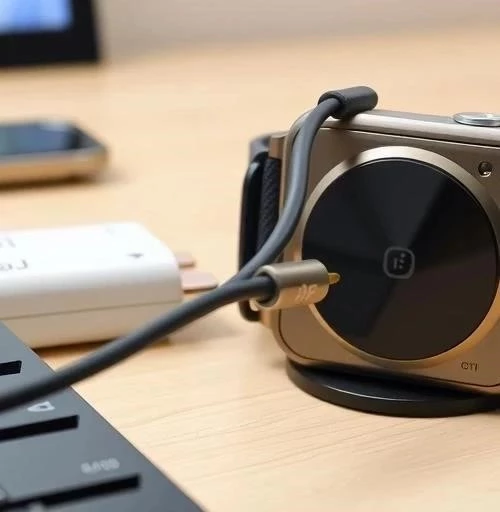
Most Xiaomi wearables charge through a magnetic cable or a small charging cradle. Some fitness bands must be removed from their strap and placed directly into a dedicated dock. Use the original charger whenever possible: its connector is designed for the watch’s contacts, and a poorly fitting alternative may fail to charge or damage them. Never force a connector into place.
- Connect the charging cable or dock to a reliable USB power source.
- If the watch has exposed contacts, make sure they are clean and completely dry.
- Position the watch so the charger’s pins line up with the charging contacts. Magnets should hold a compatible charger in place;
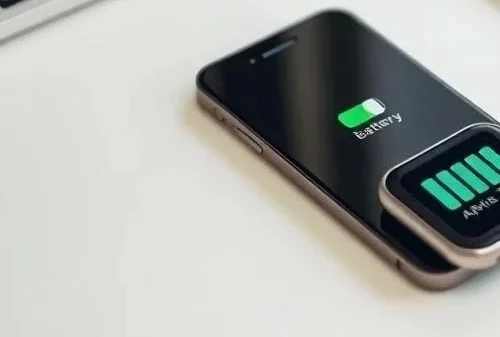
- Look for a battery icon, charging animation, or other on-screen indicator to confirm that charging has started.
Choose a suitable power source
A standard USB port or reputable USB adapter is generally appropriate, provided it is compatible with the instructions for your model. Avoid damaged cables, loose sockets, and questionable high-power accessories. A charger’s higher wattage rating does not automatically mean it will push that full power into the watch, but using a trusted, compatible source is still the sensible choice. Do not charge the device in extreme heat, in direct sunlight, or while it is wet.
How long should it charge?
Charging time depends on the model, battery level, temperature, and power source. Check the screen periodically rather than relying on a single time estimate. Modern lithium-ion batteries do not need to be completely emptied before charging, and routine full discharges are unnecessary. You can top up the battery when convenient. Although many devices manage charging automatically, unplugging the watch when it is charged is a simple way to avoid leaving it connected longer than needed.
If the watch does not charge
- Remove and reposition it; the magnetic contacts may not be aligned;
- Disconnect the cable, then inspect the pins and watch contacts for dirt or moisture. Wipe them gently with a soft, dry cloth.
- Try a different dependable USB port or adapter, while keeping the original charging cable.
- Allow a very depleted watch a little time before checking the display, then restart it if necessary.
If charging still fails, stop if the watch or cable becomes unusually hot, smells abnormal, or shows visible damage. Do not scrape contacts or open the battery compartment. Consult Xiaomi support or an authorized service provider, and verify the model-specific instructions. Correct alignment, dry contacts, and the right charger are more useful—and safer—than forcing a connection or experimenting with accessories.