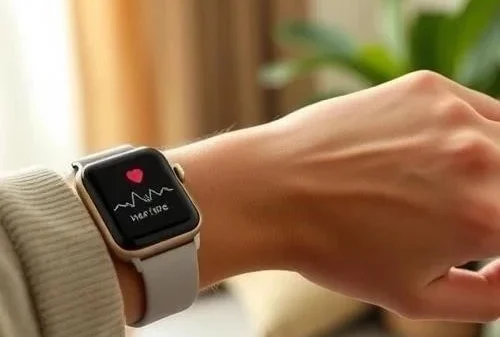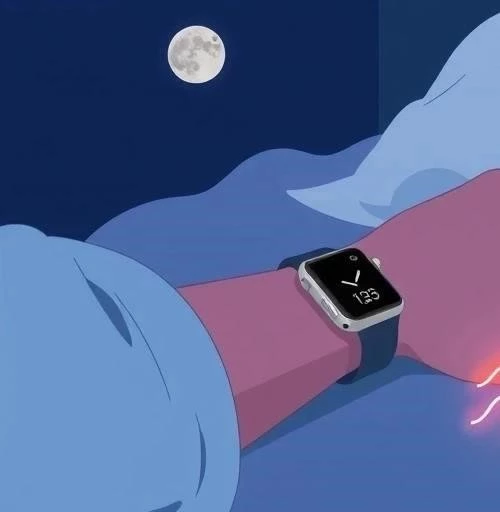
Apple Watch Series 8 does not work like a conventional thermometer. It cannot provide an on-demand reading of your body temperature or tell you immediately whether you have a fever. Instead‚ its temperature sensors record changes in wrist temperature while you sleep. The Health app on your iPhone displays those measurements as trends and deviations from your personal baseline.
Before you begin
You need an Apple Watch Series 8‚ a paired iPhone‚ and the latest compatible versions of watchOS and iOS. Set up Sleep in the Health app and enable sleep tracking with Apple Watch. Wear the watch to bed with a comfortable‚ secure fit‚ and make sure it has enough charge for the night. Apple says the watch needs to track sleep for at least four hours a night; temperature data generally becomes available after about five nights.
Set up sleep tracking
- On your iPhone‚ open Health‚ tap Browse‚ then choose Sleep.
- Set a sleep schedule and turn on the option to track sleep with Apple Watch. You can also configure a Sleep Focus schedule.
- On the watch‚ open Settings‚ tap Sleep‚ and check that sleep tracking is enabled. Menu names may vary slightly by software version.
- Before going to bed‚ wear the watch on your wrist and ensure that Sleep Focus or your scheduled sleep mode is active. Keep wearing it for at least four hours.
The sensors take readings during sleep‚ at intervals of a few seconds. The watch combines the overnight information to show changes relative to your baseline; it is not intended to provide a continuous daytime temperature reading. Allow several nights of consistent wear before expecting a useful trend. Missing nights‚ a loose fit‚ or interrupted sleep tracking can delay or affect the available results.
Find your wrist-temperature data
After enough nights have been recorded‚ open the Health app on the iPhone paired with the watch. Tap Browse‚ then look for Body Measurements and Wrist Temperature. Depending on your iOS version‚ the category or chart may be presented differently. Select the chart to review recorded nights and changes over time. The watch itself does not offer a dedicated thermometer screen for taking a spot measurement.
Apple may also use overnight wrist-temperature changes in supported cycle-tracking features. These patterns can provide context for menstrual-cycle estimates‚ but they are not a diagnosis or a guarantee of ovulation. Availability of features can depend on region‚ software‚ and personal setup.
If readings are missing
- Confirm that Sleep tracking with Apple Watch is enabled in Health and that the watch is paired to the right iPhone.
- Wear the watch for a full night‚ with a secure fit‚ and allow at least four hours of sleep tracking.
- Check that the watch has sufficient battery and that Sleep Focus or the sleep schedule is active.
- Give the feature several nights to establish a baseline; one night may not be enough to show a trend.
Wrist temperature can be affected by the sleeping environment‚ illness‚ alcohol‚ exercise‚ medication‚ or changes in routine. Treat the chart as health-trend information‚ not as a clinical measurement. If you need to check for a fever‚ use a suitable medical thermometer and follow its instructions. Contact a healthcare professional if you have concerning symptoms or need medical advice.