
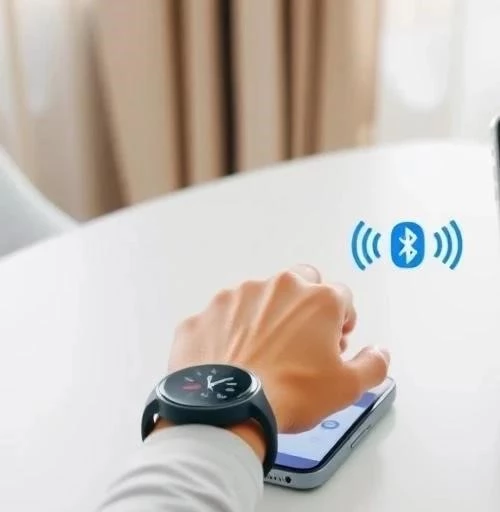
Connecting a W88 watch is usually straightforward, but the exact app and menu names can vary because “W88” is used for more than one device. The safest approach is to follow the QR code or app instructions supplied with your particular watch rather than guessing or downloading the first app you find. Correct pairing matters: it helps notifications and health data work reliably and avoids installing untrusted software.
Before you start
- Charge the watch and switch it on. Keep it close to your phone during setup.
- Check the watch box, manual, or settings screen for a QR code and the recommended companion app. Scan it with your phone’s camera, then confirm the app’s name and publisher in the official Apple App Store or Google Play Store. Some W88 versions use WearFit Pro, but do not assume this is right for every model.
- Turn on Bluetooth on your phone. Allow the companion app to use Bluetooth and, when requested, nearby-device access. Location permission may also be requested on some Android phones for Bluetooth scanning.
Pair the watch in the app
Open the installed app, create or sign in to an account if required, and choose an option such as Add device, Bind device, or Search. Select the W88 entry that appears, then approve the pairing request on both screens. Keep the app open until setup finishes. If the watch asks for confirmation, accept it on the watch itself.
For calls, some versions need a second Bluetooth connection for audio. If calling is supported, open your phone’s Bluetooth settings and connect to the watch’s audio device as well. Do not select an unfamiliar device just because its name looks similar.
If pairing fails
- Restart both devices, keep them close, and try the search again.
- If the watch is listed as paired in phone settings, choose “Forget” or “Unpair,” then bind it from inside the companion app. Pairing only through phone settings may not enable syncing.
- Check app permissions, Bluetooth status, and battery level. Close other watch apps that may already be connected.
- As a last resort, use the watch’s factory reset option and repeat setup. A reset may erase locally stored data.
In short: identify the correct app for your exact W88, bind through that app, and add a separate audio connection only if needed. If the QR code leads to an unknown website or asks you to install an unverified file, stop and check the manual or contact the seller. Device names and features differ, so the instructions supplied for your model take priority.
6 Comments. Оставить новый
I appreciate the advice to verify an app in the official store before installing it. That is a sensible security step, especially when a QR code directs users to unfamiliar software.
The article clearly distinguishes binding the watch through its companion app from pairing it only in the phone’s Bluetooth settings. That distinction can help explain why a watch connects but does not sync.
It is helpful that the article qualifies the advice about WearFit Pro rather than presenting it as the app for every W88 model. That caution makes the setup guidance more trustworthy.
The explanation about a possible second Bluetooth connection for call audio is useful. It sets realistic expectations while appropriately advising readers to confirm that the feature is supported by their specific watch.
The troubleshooting suggestions are practical and easy to follow. Restarting both devices and removing an old pairing are reasonable first steps before assuming the watch is faulty.
The reminder that “W88” can refer to different devices is important. Following the instructions for the specific watch is more reliable than assuming every model uses the same app.