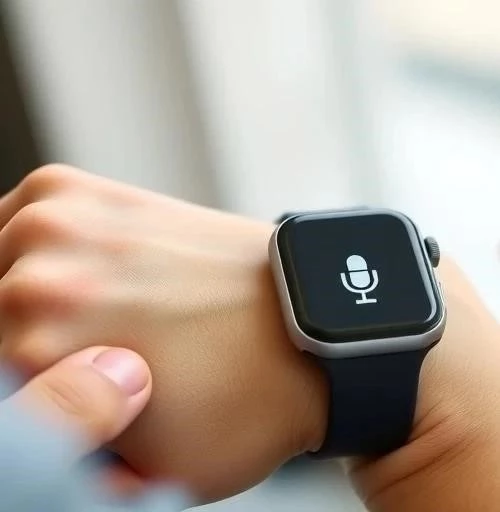
Apple Watch Series 3 can turn a spoken reply into text in the Messages app. In most cases, there is no separate “dictation replies” switch on the watch: you open a conversation, choose the microphone, speak, review the transcription and send it. If dictation is unavailable, check the settings and compatibility steps below.
Set up dictation
- On the paired iPhone, open Settings > General > Keyboard and turn on Enable Dictation, if that option is shown. This permits speech-to-text input; it is different from choosing a preset reply.
- On the iPhone, check Settings > Siri & Search and make sure Siri is allowed. On the watch, open Settings > Siri and enable an available listening option, such as Press Digital Crown. Menu wording can vary with iOS and watchOS versions.
- Confirm that the watch and iPhone are connected and that the language you plan to speak is supported. Dictation availability depends on language, region, and software version.
Dictate and send a reply
- Wake the watch and press the Digital Crown to open the app grid, then open Messages.
- Tap the conversation you want to answer. If the message is a notification, you can also open it and choose Reply.
- Tap the microphone or dictation button in the reply choices. Speak clearly at a normal pace; include punctuation by saying terms such as “comma” or “question mark” when needed.
- When you finish, tap Done or the on-screen confirmation control. Read the transcribed text, correct it if necessary, and tap Send. Do not assume the message has been sent just because you finished speaking.
If the microphone or dictation is missing
- Check the iPhone keyboard’s Enable Dictation setting and the Siri settings on both devices, then reopen Messages.
- Restart the watch and iPhone, verify their connection, and install any compatible software updates. Series 3 supports older software than newer watches, so some current instructions or features may not appear on it.
- Check the selected language and try a short test phrase. A noisy location, weak connection, or unsupported language can prevent reliable recognition.
- If the reply screen offers no microphone, use one of its alternatives—such as a suggested response, emoji, or Scribble, if available; These are useful fallbacks, but they do not activate dictation.
In short: enable the relevant speech settings, open a Messages reply, tap the microphone, speak, review the words, and send. Dictation creates editable text; it does not automatically send a reply. Because Series 3 is an older model, exact labels and available options may differ by its watchOS version.