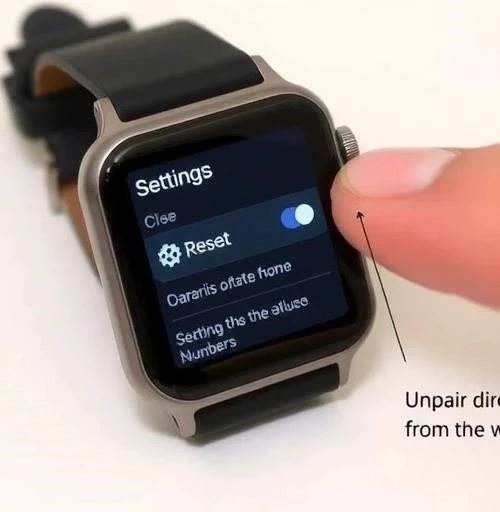
You can erase an Apple Watch directly from the watch, even when its paired iPhone is unavailable․ However, erasing the watch is not always the same as fully unpairing it: Activation Lock may remain enabled until the watch is removed from the Apple Account it was linked to․ This matters if you plan to sell, give away, or set up the watch again․
Erase the watch from its Settings
- Keep the watch charged, or place it on its charger․ Erasing removes its locally stored settings and data․
- On the watch, open Settings → General → Reset․
- Tap Erase All Content and Settings, enter the watch passcode if asked, and confirm․
- If prompted about a cellular plan, choose whether to keep or remove it․ If you are giving away the watch, remove the plan and contact your carrier about cancelling or transferring service․ If you will use the watch again, keeping the plan may be appropriate․
The watch will erase and restart․ This deletes its content, but it may still ask for the Apple Account and password previously used with it during setup․ That is Activation Lock: a security feature intended to prevent another person from using a lost or stolen watch․ A local erase does not bypass or disable it․
Remove Activation Lock online
If you own the watch and know the Apple Account credentials, use a web browser on any available device:
- Go to iCloud․com/find and sign in with the Apple Account associated with the watch․
- Open the device list and select the Apple Watch․
- If it is still listed, choose the option to erase it if necessary, then select Remove from Account (the wording may vary)․
- After removal, restart the watch and begin setup․ You can pair it with an iPhone later․
You can also remove the watch from your Apple Account using another Apple device signed in to that account, through its Find My or account device settings․ Menu names can vary by software version․ If the watch is offline, an erase or removal request may take effect when it reconnects․
If you cannot enter the passcode
Place the watch on its charger․ Press and hold the side button until the power controls appear, then press and hold the Digital Crown until the erase option appears․ Choose Reset and confirm․ This method erases the watch; it does not remove Activation Lock, so you will still need the linked Apple Account․ If the option does not appear, use the Settings method when you can unlock the watch, or consult Apple Support for instructions for your watchOS version․
Important before selling or giving it away
Check that the watch no longer appears in the previous owner’s Apple Account and that setup does not request that owner’s credentials․ If it does, ask the previous owner to remove the device from their account; only the account holder can do this․ Do not rely on a factory reset alone․ For a watch you are keeping, make sure you can sign in to the linked account before erasing it․ These steps protect your data and help ensure the next user can activate the watch normally․