
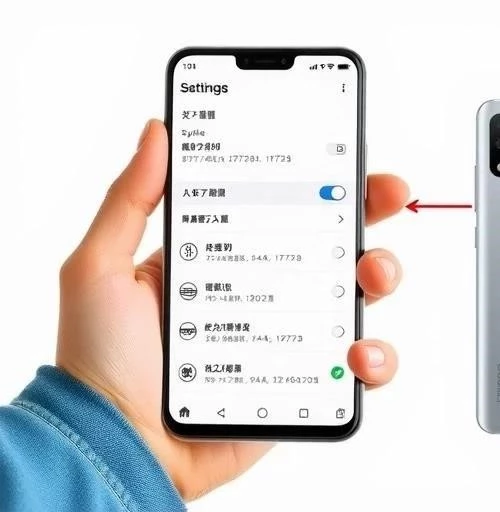
Knowing your exact Xiaomi model helps you choose the right case, download compatible software, check warranty details, or get support. “Xiaomi” is the brand, while the model name or model number identifies your particular phone. Use one of these methods to find it.
Check Settings
This is usually the quickest and safest option. Menu names can differ slightly between MIUI and HyperOS versions, but the information is generally in the same place:
- Open Settings.
- Tap About phone.
- Look for the device name, model, or model number. On some phones, tap Detailed info and specs or All specs to see more.
The device name may be something familiar, such as Redmi Note or Xiaomi 14. For accessories or technical support, note the full model number as well; It may look like a short code beginning with “M” or “230”—the format varies by device and market. Do not confuse it with the serial number or IMEI.
Check the phone or its packaging
If the phone will not turn on, inspect the original box. Its product label often lists the model name and model number. You can also check the small regulatory text on the back of the phone or on its SIM tray, where present. Labels vary by model, and some phones have no readable exterior marking. A purchase receipt or order page may also show the exact product variant.
Use the IMEI carefully
Dial *#06# to display the IMEI on many Xiaomi phones, or find it in Settings under About phone or Status. The IMEI identifies a device; it is not the model number. Xiaomi support or an authorised service centre may be able to use it to identify the handset. Avoid posting your IMEI publicly, and use only official support channels for lookups.
When the phone is connected to a computer
Advanced users can enable USB debugging and use Android Debug Bridge (ADB) to read device properties, such as the product model. This requires installing ADB and approving the computer on the phone. It is unnecessary for most people; the Settings screen or box is simpler and safer.
Check the exact variant
Phones with similar names can differ by region, memory, or network support. Before buying a case, installing firmware, or ordering a part, compare the full model number—not just the marketing name. If details disagree, contact Xiaomi support with proof of purchase.



8 Comments. Оставить новый
The distinction between the device name and the full model number is useful when checking accessory compatibility.
Concise and informative, with sensible reminders to use official support channels for device lookups.
The note that menu names can vary between MIUI and HyperOS is a helpful detail.
A useful guide for both everyday users and people comfortable with ADB. It makes the simpler options clear first.
I like that the article explains where to check the box and receipt as well as the phone settings.
A clear, practical guide. I especially appreciate the reminder that the IMEI and model number are not the same.
Good safety advice about not sharing an IMEI publicly. The steps are straightforward and easy to follow.
Helpful overview of several ways to identify a Xiaomi phone, including options for when it will not turn on.