
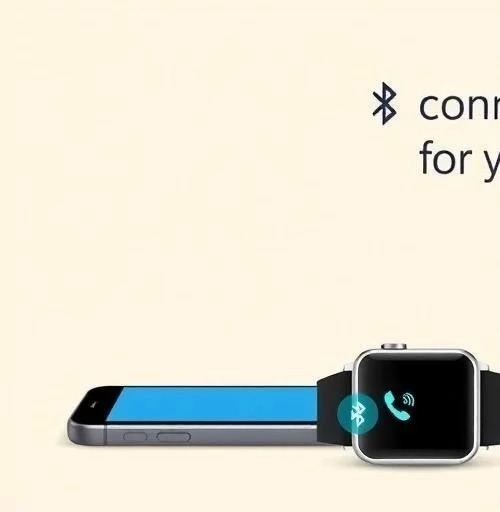
A smartwatch can usually make or answer calls after it is paired with a phone․ The exact steps depend on the watch model, its companion app, and whether it supports Bluetooth calling or has its own cellular connection․ Menu names may differ, so use the manufacturer’s instructions if a setting is not where expected․
Before you begin
- Charge the watch and keep it close to your phone․
- Turn on Bluetooth on the phone․ Connect both devices to the internet if setup requires an app or account․
- Check that the watch supports calls․ Some models only show call alerts and cannot handle voice conversations․
- Install the official watch app from the phone’s app store․ Confirm that the phone and watch operating systems are supported․
Pair the watch with your phone
- Open the companion app and sign in or create an account if requested․
- Select an option such as Add device or Pair a new watch․ Choose your watch from the list․
- Confirm that the pairing code shown on the phone matches the code on the watch․ Accept the Bluetooth pairing request on both devices․
- Follow the on-screen setup instructions․ Allow the requested contacts, phone, and notification permissions if you want caller details and call alerts on the watch․
Enable calling
For a Bluetooth calling watch, open the phone’s Bluetooth settings and check that the watch is connected․ Some watches appear as two Bluetooth devices: one for syncing and another for audio․ Pair or enable the audio connection when prompted․ On the watch, open its Bluetooth, Phone, or Calls settings and turn on call audio․ Make a short test call, then select the watch as the audio device if sound still comes from the phone․
If the watch supports LTE or eSIM, activate its mobile plan through the companion app or carrier․ Follow the carrier’s steps; a separate plan may be required․ Cellular calling can work away from the phone, while Bluetooth calling generally depends on the phone being nearby and connected․
If calls do not work
- Check Bluetooth, call permissions, and the watch’s audio connection; then restart both devices․
- Ensure Do Not Disturb or call blocking is not preventing alerts․ Update the watch app and device software․
- If pairing repeatedly fails, remove the watch from Bluetooth settings and the app, then pair it again․ Reset the watch only as a last resort, since this may erase its data․
Once connected, answer or place a call using the watch’s Phone or Calls screen․ Keep the microphone and speaker unobstructed, and consult the model’s manual for supported features and privacy settings․


1 Comment. Оставить новый
The article clearly explains the main steps for pairing a smartwatch and enabling calls, while noting that features and menus vary by model. The distinction between Bluetooth and cellular calling is useful.