
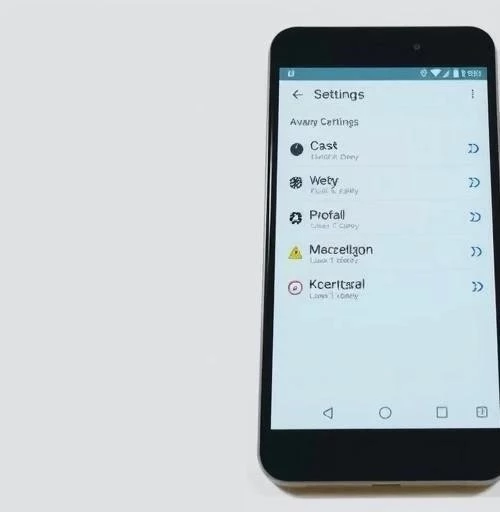
If you are trying to make the navigation keys glow on a Xiaomi Redmi 4A‚ the important point is that this is generally not a setting you can switch on. The Redmi 4A’s three navigation keys are capacitive touch controls‚ but the model does not have dedicated LEDs to illuminate them. Without that hardware‚ a software option cannot make the physical buttons light up.
Check whether your phone has a setting
MIUI versions and settings can differ‚ so it is reasonable to check before concluding that the feature is unavailable. Open Settings and look under Additional settings for an entry such as Button light or Button lights. You can also use the Settings search box and search for “button light.” If the option is present‚ open it and select the available duration or turn the feature on.
On a standard Redmi 4A‚ however‚ this control is normally absent. That is expected and does not‚ by itself‚ indicate a fault‚ a disabled permission‚ or a problem with the display. A menu guide for a different Redmi model may mention backlight controls because some Xiaomi phones have illuminated keys; the same instructions do not necessarily apply to the 4A.
What you can do instead
- Learn the key positions. The navigation controls are along the lower bezel. Once you know which position corresponds to Back‚ Home‚ and Recent apps on your software version‚ you can use them by touch in a dark room.
- Use the screen for orientation. Wake the display and raise its brightness temporarily if you need to see the lower edge. Avoid keeping brightness unnecessarily high‚ since it uses more battery.
- Look for an on-screen navigation option. Depending on the installed MIUI version‚ navigation or accessibility settings may offer alternative on-screen controls. Check Settings rather than assuming the wording or availability is identical across versions.
- Improve the lighting around the phone. A nearby lamp is a simple‚ reliable way to locate the controls without installing software or changing system settings.
Will an app or update enable the lights?
Usually not. An app can draw buttons or indicators on the display‚ but that is not the same as illuminating the Redmi 4A’s physical capacitive keys. Such overlays may require accessibility permissions‚ can obscure content‚ and may consume power. A firmware update can add or change software features‚ but it cannot add LEDs that are not fitted to the phone. Rooting the device is therefore not a practical solution to this particular limitation and can introduce security or stability risks.
If the keys do not respond
Backlighting and touch response are separate issues. If a key fails to register‚ restart the phone and check whether the problem continues in more than one app. If it does‚ inspect the lower screen area for damage or dirt and consider having the phone assessed by a repair professional. Do not treat the absence of a glow as evidence that the keys are broken.
Bottom line: on the usual Xiaomi Redmi 4A‚ there is no physical button backlight to turn on. Check Settings once for a model- or software-specific option; if it is missing‚ use the on-screen alternatives or better ambient lighting instead.
2 Comments. Оставить новый
This is a useful, well-reasoned answer that distinguishes the Redmi 4A from Xiaomi models that may have backlit controls. Its advice to search Settings before concluding the feature is unavailable makes the explanation more actionable. The article could be easier to scan with consistent headings and formatting, but its central point is clear.
The article clearly explains why the Redmi 4A’s navigation keys cannot be illuminated through software: the phone lacks the necessary hardware. I also appreciate the practical suggestion to check Settings first, since it avoids treating a model-specific limitation as a fault. The alternatives are sensible and appropriately cautious about differences between MIUI versions.