
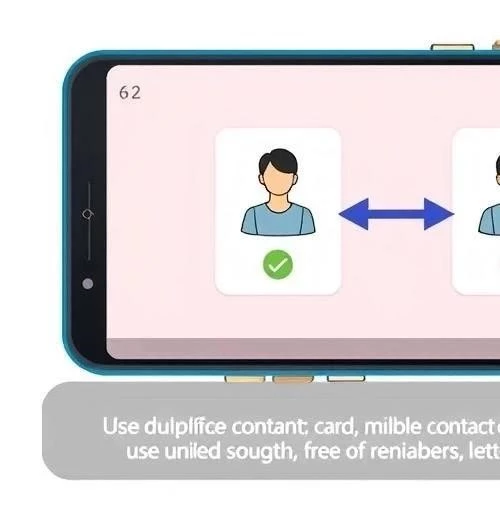
Duplicate entries can make your address book cluttered, especially after syncing contacts from a SIM card, phone storage, and Google accounts. On the Redmi 9A, the exact menu names depend on your MIUI version and Contacts app. The safest option is to use Google Contacts’ duplicate-merging tool, if it is available.
Before you start
Make sure your contacts are backed up. Open Settings, tap Accounts & sync (or Sync), choose your Google account, and enable Contacts sync. You can also open Google Contacts and check that the contacts appear there. If they are stored only on your SIM or phone, import them into an account first: in Contacts, look for Import/Export or Manage contacts, then select the SIM or device as the source and your Google account as the destination. Menu labels may differ by software version.
Merge duplicates with Google Contacts
- Connect the phone to the internet and open the Contacts app. If needed, install or update Google Contacts from the Play Store.
- Tap Fix & manage at the bottom of the screen. On some versions, open the menu or tap your profile picture to find this option.
- Choose Merge & fix, then tap Merge duplicates. The app will show entries it believes belong to the same person.
- Review each suggestion carefully. Tap Merge beside a matching pair, or choose Merge all only after checking the list. Allow time for changes to sync.
The merged contact should keep available details, such as phone numbers and email addresses, together under one name. If the two entries are not the same person, do not merge them. You can also open a suggested pair to compare its information before confirming.
If you cannot find the merge option
Update Google Contacts, check that you are viewing the correct account, and try again. Some MIUI Contacts versions have a Merge duplicate contacts or Organize contacts option under the app’s menu or settings. If neither app offers automatic merging, open one contact, edit it, and add the missing number or email from the duplicate. Save the changes, verify them, then delete the extra entry manually.
Keep contacts tidy
After merging, check that names and numbers are correct and that sync has completed. To prevent duplicates returning, save new contacts to one main account and avoid importing the same SIM contacts repeatedly; If anything looks wrong, restore or copy the backup before making further changes.
2 Comments. Оставить новый
The step-by-step instructions make the process easy to follow, and the alternative suggestions are useful if the merge option is missing. I also appreciate the warning not to merge contacts that belong to different people.
This is a clear, practical guide, especially the reminder to back up contacts and check each suggested merge before confirming. Mentioning that menu names vary by MIUI version is helpful.