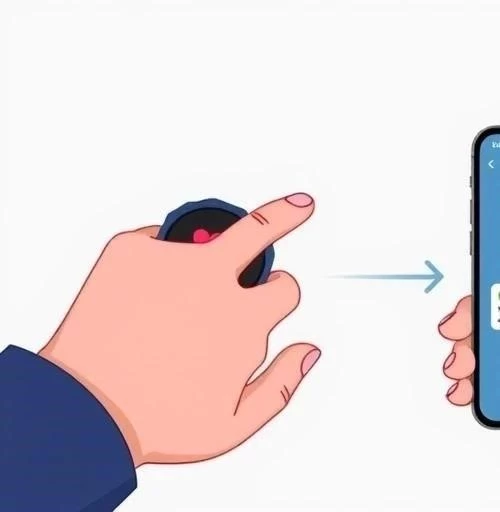
Apple Watch can send a heartbeat through Digital Touch in Messages. The feature turns a brief touch on the watch screen into an animated heartbeat that the recipient can view in a conversation. It is a personal message, not a medical reading: it does not send a diagnosis or a reliable record of your heart rate.
Before you start
Make sure your Apple Watch is paired with your iPhone, connected to Wi-Fi or cellular, and able to send messages. The recipient must be available in Messages. Digital Touch options and their appearance may differ by watchOS version, and some features require compatible Apple devices. If you cannot find the Digital Touch control, update your devices if possible and check that Messages is set up.
Send a heartbeat from your watch
- Press the Digital Crown to open the app list, then tap Messages.
- Open an existing conversation, or start a new message and select a contact.
- Look for the Digital Touch button in the conversation’s message controls. Depending on your software version, it may appear as a two-finger or heart-shaped icon. Tap it to open the drawing screen.
- Place two fingers on the display and hold them there until the watch detects your pulse and shows a heartbeat animation.
- Lift your fingers to finish. Review the animation if it is shown, then tap Send if prompted. In versions that send when you lift your fingers, the heartbeat is sent immediately.
The recipient will see the animation in Messages. If they use a compatible Apple Watch, they may also feel a corresponding tap. The exact display and feedback depend on the recipient’s device and settings.
If the heartbeat option is missing
- Check the conversation controls. Open a message thread and look for the Digital Touch icon among the available message options. It may be tucked behind a plus button or another control.
- Confirm connectivity. Check that the watch is connected to its paired iPhone, Wi-Fi, or cellular service. Try sending a regular message to see whether Messages is working.
- Restart and update. Restart both devices and install available iOS and watchOS updates. Menu layouts can change between software versions.
- Check device compatibility. Digital Touch availability can depend on the watchOS version and the devices used by both people. If the feature is unavailable, send a heart emoji or a short text instead.
What the feature does—and does not do
A Digital Touch heartbeat is a way to share a simple gesture. It should not be treated as a live heart-rate broadcast, an ECG result, or a health alert. The animation does not replace measurements in the Heart Rate app, and it is not designed for monitoring another person’s health. For health information, use the appropriate Apple Watch health features and consult a qualified professional when needed.
Sending the heartbeat shares it with the chosen conversation, so check the recipient’s name before sending. If you want to communicate without using Digital Touch, you can also send a standard heart emoji, dictate a message, or use another option available in Messages.
Quick recap
Open a Messages conversation, choose Digital Touch, hold two fingers on the screen until the heartbeat appears, and lift to send. If the control is absent, check the software version, connection, and compatibility. The result is an animated message rather than a medical measurement.