Most Xiaomi robot vacuums can speak Russian, but the exact procedure depends on the model, app, region and firmware. In many cases, you do not change the vacuum’s operating language: you download a Russian voice pack that changes its spoken alerts. The Mi Home app itself may remain in English or another language. Keeping these two settings separate helps avoid changing the wrong option.
Before you begin
Charge the vacuum, connect it to Wi-Fi and make sure your phone can control it in the app. Update Mi Home (also called Xiaomi Home in some regions) and, if an update is offered, the vacuum’s firmware. Check the model name in the device information. Xiaomi-branded products may use a different app, such as Roborock or Dreamehome, and their menus can differ.
Install the Russian voice pack
- Open Mi Home/Xiaomi Home and select your vacuum.
- Tap the three-dot menu in the upper-right corner to open device settings.
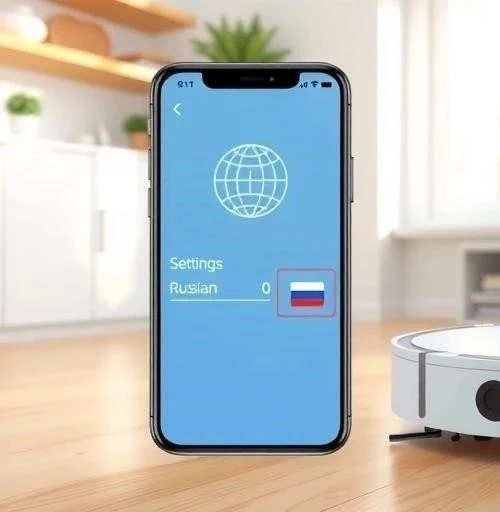
- Look for Voice settings, Voice pack, Language or a similarly named option. The wording and location vary by app version and model.
- Select Russian, tap Download or Apply, and wait for the transfer to finish. Keep the vacuum online and do not close the app during installation.
- Test an announcement or start a cleaning cycle to confirm that the new voice is active.
Some models apply the pack automatically; others may require you to select it again after downloading. If you cannot find the setting, search the device’s settings for “voice” or check the model’s manual. A Russian app interface does not guarantee that the vacuum supports Russian speech, and changing your phone’s system language alone usually will not install a voice pack.
If Russian is not listed
First update the app and reopen the device page. Then check the region/server selected in Mi Home. A vacuum intended for one market may expose different packs on another server, so the region should normally match the device’s market and the account used to set it up. Changing regions can make a device disappear from the app or affect other smart-home devices; note your current setting before experimenting.
If the pack is still unavailable, the model or current firmware may not support it officially. Contact Xiaomi support with the model number and app version. Do not install an unofficial voice pack or modified firmware just to add Russian: an incorrect file can disrupt updates, affect reliability, or void warranty coverage. A factory reset is rarely the right first step and may erase maps and settings.
What “Russian language” means
For most robot vacuums, this procedure changes spoken notifications, not menus displayed in the phone app. Some models offer only a limited set of voice packs, while others have no language option at all. Therefore, check compatibility for your exact model rather than assuming that every Xiaomi vacuum has the same menu. In short, use the official app, select the supported Russian pack, and avoid unofficial firmware unless the manufacturer explicitly recommends it.