
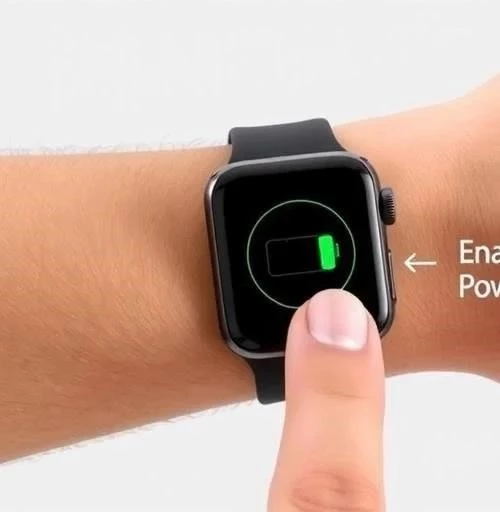
Your Apple Watch Series 4 has no setting officially named Eco Mode. The closest modern equivalent is Low Power Mode: it stretches the battery by limiting background activity and some features. Think of it as telling your watch to walk instead of sprint.
Turn on Low Power Mode
- Make sure your watch is running watchOS 9 or later. Series 4 supports watchOS 9 and watchOS 10, but not newer major releases.
- Press the side button to open Control Center. If your watch has an older watchOS version, swipe up from the bottom of the watch face instead.
- Tap the battery percentage.
- Tap Low Power Mode, read the on-screen summary, then tap Turn On. If offered, choose how long you want it enabled.
You can also open Settings > Battery > Low Power Mode and switch it on there. A yellow battery symbol is your small, sunny reminder that the watch is conserving power. To switch the mode off, return to the same control and tap the setting again.
What changes?
Low Power Mode can reduce or turn off features such as the Always-On display, background app refresh, automatic workout start reminders, and some heart-rate measurements. Notifications and core watch functions remain available, but updates may arrive less often. GPS and heart-rate readings during a workout can also be less frequent, so choose the mode with your plans in mind: excellent for a long day away from a charger, less ideal when you need detailed training data.
When the battery reaches 10%, your watch may suggest enabling Low Power Mode. You don’t have to wait for that warning; turn it on whenever you want extra runtime. Charging the watch to 80% or higher can automatically switch the mode off if that option is enabled.
Important: Power Reserve is different
On older software, you may see Power Reserve instead. It is not simply another name for Low Power Mode: it greatly restricts the watch, showing only the time and disabling most functions. On newer software, use Low Power Mode for everyday battery saving. If Power Reserve is already active, press and hold the side button until the Apple logo appears; the watch will restart. Use it only when preserving a little power matters more than staying connected.
Quick route: side button → battery percentage → Low Power Mode → Turn On. Your Series 4 is now conserving energy without turning into a tiny wristwatch-shaped paperweight.



6 Comments. Оставить новый
The “walk instead of sprint” image makes a settings menu feel surprisingly human. I also appreciate the reminder that conserving battery can come at the cost of workout detail.
I like that it explains when this mode may be less suitable, especially for people tracking workouts. Battery advice is better when it includes the fine print.
“A small, sunny reminder” is a lovely description of the yellow battery symbol. Practical instructions, with just enough personality to make them stick.
The article treats battery life as a choice, not a magic trick: more hours in exchange for fewer background updates. That trade-off is refreshingly clear.
A useful little distinction between Low Power Mode and Power Reserve—two modes with names that sound related but very different ideas of what a watch should do.
This turns a potentially confusing watchOS detail into a calm decision tree: preserve the day’s charge, or keep every measurement working at full pace.