
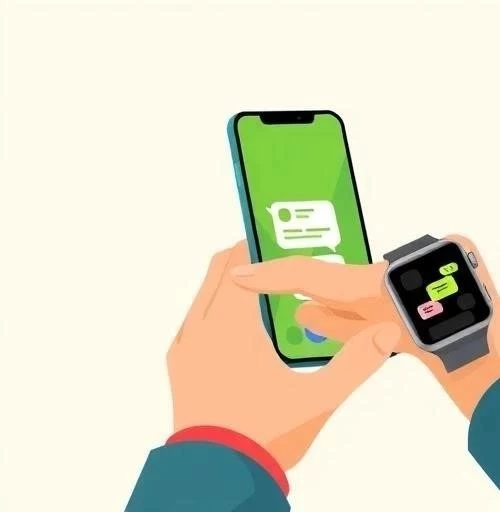
WhatsApp on Apple Watch can help you read messages and reply without reaching for your iPhone. The setup depends on which version of WhatsApp and watchOS you have: use the official watch app if it is available for your devices, or enable message notifications as a fallback. WhatsApp is a phone-number-based messaging service, and your watch must be paired with the iPhone that uses your account.
Install the official app
- Update WhatsApp on your iPhone and install the latest compatible version of watchOS. Keep the watch paired and connected to the phone.
- On the iPhone, open the Watch app and select My Watch. Look under Available Apps for WhatsApp.
- Tap Install beside WhatsApp, then wait for the app to appear in the watch’s app list or on its Home Screen.
- Open WhatsApp on the watch and follow any prompts. If requested, allow notifications and other permissions. Send a test message to confirm that the watch is connected.
Menu names can vary with your iOS and watchOS versions. If WhatsApp does not appear under Available Apps, check the App Store listing and WhatsApp’s official support information for current device and software requirements. Restarting both devices and updating the iPhone app may help, but it cannot make an unsupported version compatible.
Use notifications if the app is unavailable
You can still receive message alerts on many Apple Watch and iPhone setups. On the iPhone, open Settings > Notifications > WhatsApp and allow notifications, including Lock Screen alerts. Then open the Watch app, tap Notifications, and make sure WhatsApp alerts are mirrored or enabled. Keep the watch unlocked and worn; Apple Watch notifications usually go to the watch when it is being worn and the iPhone is locked.
Tap an alert to read it and, when offered, reply using dictation, Scribble, an emoji, or a suggested response. Notification access is not the same as installing the full app: features may be limited, and you may not be able to browse chats or start a conversation from the watch.
Safety and troubleshooting
Avoid apps or websites that ask for your WhatsApp password, verification code, or QR scan to “install” WhatsApp on the watch. Use official Apple and WhatsApp sources; WhatsApp Web is intended for a browser or computer, not a substitute watch app. If alerts fail, check Focus and notification settings, Bluetooth or Wi-Fi, and that the iPhone and watch remain paired. Restarting both devices can also resolve a temporary sync problem.
In short: install the official WhatsApp watch app through the iPhone Watch app when it is offered for your devices. Otherwise, enable mirrored notifications for basic access. The available features depend on your software version, so verify current requirements before troubleshooting further.


8 Comments. Оставить новый
The note about notifications typically reaching the watch when it is worn and the iPhone is locked adds useful context. It explains why alerts might not always appear on the device someone expects.
The distinction between installing the full app and receiving mirrored notifications is useful. It helps set realistic expectations instead of implying every Apple Watch can access all WhatsApp features.
Overall, this is concise and balanced guidance. It offers a straightforward setup path while giving readers a realistic fallback if the official app is unavailable.
The steps are easy to follow, and the article avoids treating menu names as universal. Mentioning that they vary by software version is a sensible detail.
The troubleshooting advice is practical without promising that restarting devices will solve a compatibility issue. That caveat makes the guidance more trustworthy.
It is helpful that the article describes reply options while also noting that notifications do not provide the same capabilities as the full app. That distinction prevents confusion.
This is a clear overview for someone who is unsure whether they need the Watch app or just message alerts. The explanation of the difference between those options is especially helpful.
I appreciate the reminder to check current compatibility requirements. App availability can change with software updates, so checking official sources is more reliable than assuming the app will appear for everyone.