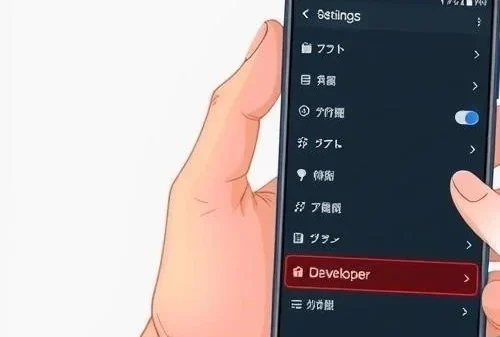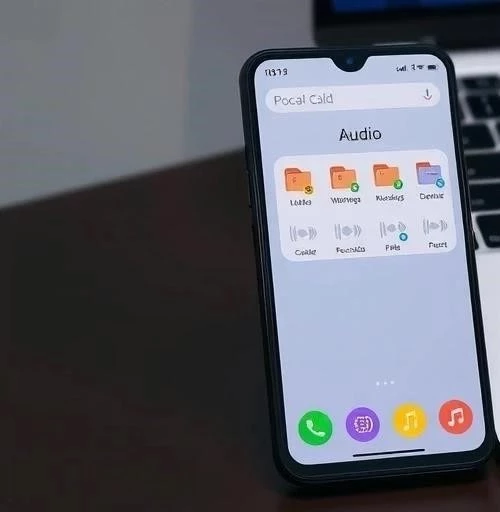
On a POCO X3, call recordings are usually saved in the phone’s internal storage, but the exact location depends on the dialer app and MIUI or Android version. There is no single path that applies to every X3: some models use Xiaomi’s MIUI Phone app, while others use Google Phone. The quickest reliable approach is to check the dialer first, then look in the corresponding folder.
Start in the Phone app
Open Phone, find the recorded call in Recents or call history, and tap it. Depending on the app version, the recording may appear under the call details or in a playback control. This is the best first step because the app can show recordings even when Android’s file manager does not display their folder plainly.
On Xiaomi’s MIUI dialer, also check Recorder or Sound Recorder and open its recordings list. Look for a section called Call recordings. The available labels vary with the MIUI release and region. If the recording plays there, use the app’s share or file-details option, if available, to identify its location.
Common folder for MIUI recordings
For many POCO X3 configurations using the Xiaomi dialer, recordings are stored in:
Internal storage/MIUI/sound_recorder/call_rec
In a file manager, open Internal storage (sometimes labelled Phone storage), then MIUI, sound_recorder, and call_rec. Audio files may have names based on dates, numbers, or contacts. If you do not see this folder, do not assume the recording is gone: the phone may use a different dialer, a different software version, or a protected app location.
If the phone uses Google Phone
Some POCO X3 phones, particularly in certain regions or after software changes, use Google’s Phone app rather than Xiaomi’s dialer. In that case, open the call in Phone’s history and look for the recording playback option. Google Phone may keep recordings associated with the call inside the app instead of presenting them as ordinary files in a browsable folder. Therefore, searching only for “call_rec” may not find them.
Availability and behavior can also depend on country, app version, and local rules. Recording controls may be missing, or the app may announce recording to participants. Check the app’s own settings and help information rather than installing an unknown recorder to bypass restrictions.
How to find a file safely
- Open the call history or Recorder app and confirm that the recording exists and plays.
- Open the built-in File Manager and search Internal storage for
call_rec,record, or an audio extension such as.m4aor.amr. - Check the MIUI folder path above, then review any “Recordings” or “Call recordings” folder the file manager finds.
- If the file is not visible, use the Phone app’s share option or connect the phone to a trusted computer and inspect accessible storage.
File names and formats can differ, so searching by the call date may be more effective than searching by contact name. A file manager may also require permission to access shared storage. Grant only the access needed, and avoid deleting folders while investigating.
If a recording is missing
First check whether call recording was enabled for that call; turning it on later cannot restore an earlier recording. Next, check the dialer’s recording list, the common MIUI path, and the Trash or Recently deleted area if your file manager provides one. Also consider whether the file was saved to an SD card or removed during cleanup. Do not clear Phone or Recorder app data as a troubleshooting shortcut: that can erase locally stored recordings.
Recordings are generally local unless you deliberately copy or back them up. They may not appear in a cloud account automatically. If a recording matters, copy it to a secure computer or encrypted backup and verify the copy before deleting anything from the phone. Treat call audio as private: share it only with appropriate consent and in accordance with applicable law.
Bottom line
For a POCO X3 using Xiaomi’s MIUI dialer, check MIUI/sound_recorder/call_rec in internal storage. For Google Phone, look in the call entry or the app’s recording controls first, because the audio may not be exposed as a normal file. The dialer and Recorder app are the most dependable starting points; the exact folder depends on the software installed on your particular device.