
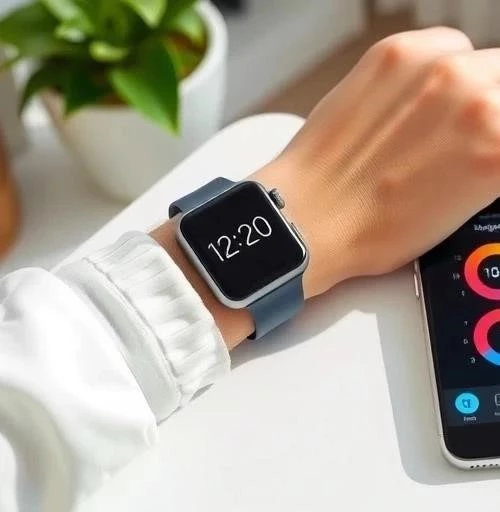
The short answer: You cannot measure blood oxygen directly with an Apple Watch Series 5․ It does not have the blood oxygen sensor or the Blood Oxygen app needed for this feature․ Apple introduced blood oxygen measurements with Apple Watch Series 6, so the instructions for newer watches do not apply to Series 5․
Why Series 5 cannot take a reading
Blood oxygen, often written as SpO₂, is an estimate of the percentage of oxygen carried by red blood cells․ Compatible Apple Watch models use red and infrared light from sensors on the back of the watch to estimate this level․ Series 5 lacks that sensor system․ Installing an app or updating watchOS cannot add the necessary hardware, and a third-party app cannot turn Series 5 into a medical pulse oximeter․
Some online guides say that Apple Watch Series 6 and later, or certain Ultra models, can measure oxygen․ That refers to supported models and may depend on the country, software version, and device configuration․ It does not mean Series 5 is supported․ Feature availability has also changed in some regions over time, so check Apple’s current support information for your country and exact model․
How to check your watch model
- On your watch, open Settings․
- Tap General, then About․
- Look for the model name or model number․ You can also check the Apple Watch app on your iPhone under My Watch > General > About․
If the model is Apple Watch Series 5, there is no Blood Oxygen measurement to start or enable․ If you have a compatible newer watch, look for the Blood Oxygen app and confirm that the feature is available for your model and location․ On supported devices, a manual reading is generally taken while sitting still, with the watch snug but comfortable on the wrist and the arm resting on a surface․ Follow the instructions shown in the app․
What you can do instead
For an oxygen reading, use a fingertip pulse oximeter intended for that purpose, following its instructions․ Keep your hand warm and still, remove nail polish if the device advises it, and wait for a stable result․ Consumer readings can be affected by movement, circulation, skin temperature, fit, and other factors․ A phone app alone usually cannot measure blood oxygen reliably without compatible hardware․
Apple Watch Series 5 can still track other health and fitness information, such as heart rate and activity, but those measurements are not substitutes for SpO₂․ A normal-looking heart rate does not show that blood oxygen is normal, and the watch cannot diagnose or rule out a medical condition․
When to seek medical help
Do not rely on a smartwatch or home oximeter alone if you feel seriously unwell․ Seek urgent medical care for severe shortness of breath, bluish lips or face, chest pain, confusion, or rapidly worsening symptoms․ If you have a health condition or repeated low readings, contact a healthcare professional and ask what readings and symptoms should prompt action․ Interpret numbers in context: altitude, illness, circulation, and device accuracy can all matter․
Bottom line
There is no setting or app that enables blood oxygen measurement on Apple Watch Series 5․ To check SpO₂, use a suitable pulse oximeter or a supported Apple Watch model where the feature is available․ Treat any consumer reading as an estimate, not a diagnosis․


9 Comments. Оставить новый
Straightforward and practical. The model-checking steps make it easy to confirm which watch you have.
I appreciate the reminder to check regional availability too. Device features can vary, so that extra detail is helpful.
A useful clarification, especially for anyone who has seen instructions for newer Apple Watch models and assumed they apply to Series 5.
I found the alternative suggestion helpful. It’s sensible to use a suitable fingertip oximeter when an oxygen reading is needed.
Good point that an app update cannot replace a sensor the watch doesn’t have. Concise and easy to understand.
The distinction between Series 5 and newer models is explained well. This should save owners time searching for an option that isn’t there.
Clear and helpful explanation. It’s useful to know that this limitation comes from missing hardware, not a setting that can be enabled.
This answers the question directly without making the feature sound available on every Apple Watch. Well explained.
Helpful overview, with a good balance of technical context and practical steps for checking the watch model.