
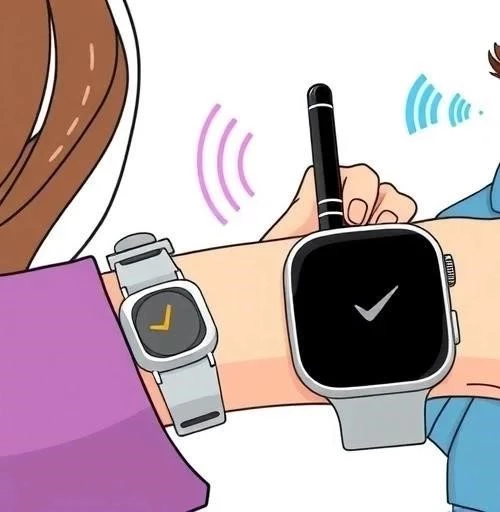
Walkie-Talkie is a built-in Apple Watch feature for short, live voice conversations. It lets two people speak to each other by pressing and holding a button on their watches, much like using a traditional push-to-talk radio. The feature is convenient for quick messages when calling or typing would be less practical, such as while shopping, walking, or coordinating plans.
How it works
Despite its name, Walkie-Talkie does not use a dedicated radio transmitter or connect watches directly over a short-range radio channel. It sends voice over an internet connection, using Wi-Fi or cellular data where available. As a result, there is no fixed walkie-talkie distance: people can communicate over long distances if both watches have a working network connection and the service is available to them.
The conversation is push-to-talk rather than a regular phone call. One person presses and holds the on-screen talk button and speaks; the other person hears the audio through their watch. Releasing the button ends that turn and lets the contact reply. Both participants can speak in turn, but the feature is not designed as a conventional open microphone or group voice chat.
What you need
- An Apple Watch that supports Walkie-Talkie and has compatible, up-to-date software.
- A network connection through Wi-Fi or cellular service.
- FaceTime set up on the paired iPhone, with FaceTime Audio available.
- A contact who also has a compatible Apple Watch and has accepted the invitation.
Availability can depend on the country or region, device configuration, and software. Walkie-Talkie may not work in every location. If the app is missing, unavailable, or fails to connect, check Apple’s current support information and confirm that FaceTime is configured on the iPhone. A cellular Apple Watch is not essential if the watch can use Wi-Fi.
How to start using it
- Open the Walkie-Talkie app on Apple Watch. It is usually represented by a yellow icon.
- Choose a contact and send an invitation. The contact must accept before you can talk.
- When the contact is available, open their name, press and hold the talk control, and speak into the watch.
- Release the control when you finish. The other person can then respond.
Depending on the software version and contact status, an invitation may appear in the app or as a notification. If a contact does not respond, check whether the invitation is still pending and whether both people are connected to the internet.
Availability and privacy
Walkie-Talkie has an availability control in its app. Turning availability off prevents others from reaching you through the feature; turning it back on makes you available again. Focus settings can also affect whether you receive alerts. Availability is useful when you do not want interruptions, during meetings, or outside working hours.
Audio is sent when a participant presses the talk control, rather than continuously broadcasting everything nearby. Still, use the feature with the same consideration as any voice conversation: people close to the watch may hear its speaker, and spoken information may not be private in a public place. You can use compatible Bluetooth audio devices where supported.
Common problems
If Walkie-Talkie is not working, check the network connection on both watches, confirm that FaceTime is active on the paired iPhone, and make sure the recipient has accepted the invitation. Close and reopen the app or restart the devices if necessary. Also check availability and Focus settings. If the service is restricted in a region, changing settings may not make it usable there.
In short, Walkie-Talkie is a convenient push-to-talk feature for quick, two-way voice exchanges between Apple Watch users. It resembles a radio in how people take turns speaking, but it relies on internet connectivity and Apple’s service rather than traditional radio communication.


2 Comments. Оставить новый
The article clearly explains how Walkie-Talkie works and distinguishes its internet-based connection from traditional short-range radio. The overview of requirements and availability is useful for readers assessing whether the feature will work for them.
The information is organized into practical sections and describes the push-to-talk format in straightforward terms. Checking Apple’s current support information is a sensible recommendation, since availability and compatibility can vary.