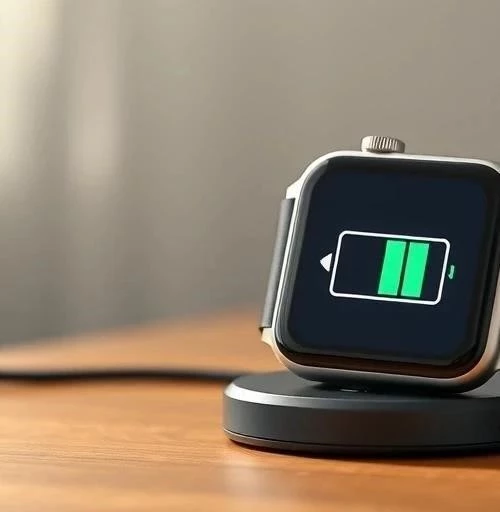
Apple rates the Apple Watch Series 6 for up to 18 hours of battery life on a charge. This is a guide rather than a guaranteed runtime: actual results depend on settings, features in use, battery condition and how the watch is used. For many owners, the practical expectation is a full day of use, followed by charging overnight or at another convenient time.
What Apple’s 18-hour estimate means
The estimate comes from a test combining everyday activities, including time checks, notifications, app use and a workout. In Apple’s stated test scenario, the watch also completed a 60-minute workout while playing music from the watch to Bluetooth headphones. This is a mixed-use result, not a promise that every Series 6 will last exactly 18 hours under every routine.
Continuous use of power-intensive functions can reduce runtime considerably. GPS tracking, cellular connectivity, streaming audio and frequent interaction with the display place different demands on the battery than simply wearing the watch and receiving occasional notifications. A long outdoor workout or a day away from an iPhone may therefore leave less charge at bedtime.
How activity affects battery life
Apple’s published estimates for selected activities give a useful sense of the variation. They include approximately 7 hours for an outdoor workout using GPS, and about 6 hours for a workout using both GPS and cellular. An indoor workout without GPS can reach around 11 hours in the stated test conditions. These figures are test results, not independent guarantees; workout length, signal strength and other settings matter.
- GPS: Tracking a route keeps location services active and uses more power than ordinary timekeeping.
- Cellular: Calls, data and music streaming over a mobile network can shorten runtime, especially where reception is weak.
- Display: Frequent wake-ups and longer time spent viewing the screen add to consumption.
- Audio and apps: Streaming or running demanding apps for extended periods can use more charge than basic notifications.
- Notifications: A large number of alerts and repeated interactions may also affect how long the watch lasts.
Why one watch may last longer than another
Battery life varies with the wearer’s routine and the watch’s condition. A Series 6 used mainly for the time, notifications and brief checks may last longer than one used for several GPS workouts, calls and streaming. Cellular reception, software, paired accessories and environmental temperature can also influence results. Very hot or cold conditions may temporarily affect battery performance.
Age is another important factor. Rechargeable batteries gradually lose capacity through normal use and charging cycles. As a result, a well-used Series 6 may not achieve the runtime it delivered when new, even if its settings and routine have not changed; A sudden or substantial change in battery life can also be associated with a recently changed usage pattern or software activity.
Ways to make a charge last longer
- Reduce screen wake-ups or the time the display stays on, if those settings are available and useful for your routine.
- Limit cellular use and audio streaming when you do not need them; keep the iPhone nearby when practical.
- Use GPS workouts when needed, and close or stop a workout after it is complete.
- Review notifications and remove alerts that are not useful on the watch.
- When a longer day is expected, consider Low Power Mode if supported by the installed watchOS version. It can reduce or disable some functions, so check which features change.
To check battery condition, open Settings > Battery > Battery Health on the watch and review Maximum Capacity. The displayed capacity helps indicate how much charge the battery can hold compared with when it was new. If the watch regularly fails to last through your normal day, check its settings and battery condition, then contact Apple or an authorised service provider for advice.
Bottom line
The Apple Watch Series 6 is rated for up to 18 hours per charge, which generally means daily charging for typical use. GPS workouts, cellular activity and streaming can bring that figure down, while lighter use and a healthy battery may help the watch last longer. The most useful estimate is therefore the one based on your own routine and the watch’s current battery health.