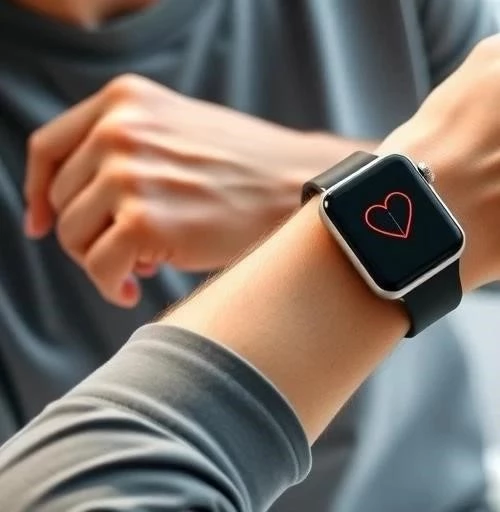
Apple Watch can measure your heart rate on demand and take readings in the background throughout the day. The watch uses optical sensors on its back to detect blood flow at your wrist. For the clearest reading, wear it correctly, then open the Heart Rate app.
Take a reading now
- Put the watch on your wrist, with the back of the case touching your skin. It should fit snugly but comfortably, just above your wrist bone.
- Press the Digital Crown to open the app list or app grid.
- Tap Heart Rate (the app with a heart icon). Keep your arm relaxed and still while the watch measures.
- Wait for the number in beats per minute (BPM). The app may also show recent readings, such as your resting or walking heart rate.
If the reading does not appear, stay still for a little longer and make sure the watch is not loose. Cold skin, movement, tattoos, and a poor fit can sometimes make a reading harder to obtain.
See previous measurements
On Apple Watch, open Heart Rate and turn the Digital Crown to browse the available information. To review more detail on your iPhone, open the Health app, tap Browse, choose Heart, then select a category such as Heart Rate, Resting Heart Rate, or Walking Heart Rate Average. The exact labels and layout may vary with your software version.
Tap a chart to inspect a time period or a particular reading. You can also choose Show All Data to see recorded entries. The Health app may combine information from Apple Watch and other sources, so check the source details if you are comparing readings.
Measure during a workout
For readings during exercise, open the Workout app, choose an activity, and start it. The watch tracks heart rate during the workout and displays it on the workout screen. After you finish, review the session in the Fitness app on iPhone. A snug fit is especially useful during vigorous movement; do not tighten the band so much that it becomes uncomfortable.
Improve accuracy
- Wear the watch above the wrist bone, with the sensor clean and in contact with your skin.
- Choose a band fit that keeps the watch from sliding. You may need to adjust it for workouts.
- Keep your wrist and hand relaxed during an on-demand reading.
- Give the watch time to measure. Motion, low temperatures, and changes in skin blood flow can affect sensor performance.
Apple Watch readings are estimates, not a medical diagnosis. Heart rate naturally changes with activity, stress, sleep, illness, and other factors. Optical measurements may differ from a chest strap or clinical equipment, and occasional gaps do not necessarily mean something is wrong with the watch.
Optional heart-rate alerts
To review or change notifications, open the Watch app on iPhone and look for Heart settings. Depending on your model, region, and software, you may be able to set high- or low-heart-rate notifications and enable other heart-related features. These alerts are not continuous emergency monitoring. Check the instructions and availability for your particular watch.
If you feel unwell, do not rely on a watch reading alone. Seek medical advice for concerning symptoms; call emergency services for severe or sudden symptoms such as chest pain, fainting, or difficulty breathing. Bring your health history and readings to a clinician if they may help explain what you experienced.