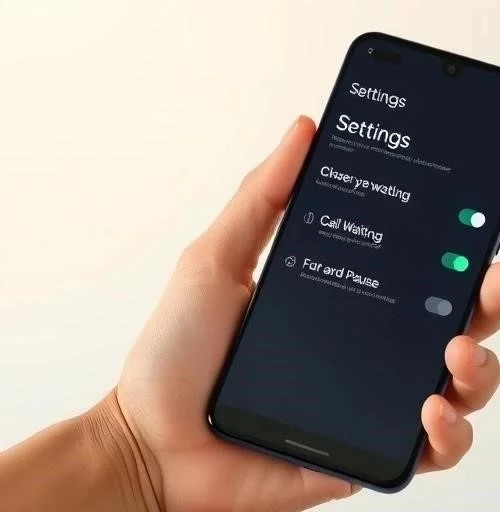
Call waiting alerts you to another incoming call while you are already speaking with someone. Depending on your mobile operator and phone settings‚ you may be able to answer the new call‚ reject it‚ or switch between callers. The exact menu names vary by Xiaomi model‚ Android version‚ and whether the phone uses MIUI or HyperOS.
Enable it in the Phone app
- Open the Phone app used for calls.
- Tap the menu icon‚ usually three dots in the upper-right corner‚ and select Settings.
- Look for Calling accounts‚ SIM cards and mobile networks‚ or a similar option.
- If your phone has two SIM cards‚ select the SIM for which you want to enable the feature.
- Open Additional settings or Supplementary services‚ then find Call waiting.
- Turn on the switch. If prompted‚ wait for the network to check or update the setting.
On some versions‚ the path is Phone > Settings > Calling accounts > [SIM] > Additional settings > Call waiting. If an option is missing‚ use the Settings search field and search for “call waiting” or “supplementary services.” The feature is generally controlled by the mobile network‚ so it may not appear until a SIM is active and registered.
Use a dial code
Many GSM networks support standard service codes‚ although availability differs by operator and country. Open the Phone app‚ enter the code‚ and tap the call button using the relevant SIM:
- #43# — check the current call-waiting status.
- 43#, request activation.
- #43#, request deactivation.
These codes are not universal. Follow any confirmation displayed on screen‚ and do not assume the service is enabled if the network returns an error. Your carrier can confirm the correct code for your plan.
Check that it works
Ask someone to call while you are already on a call‚ or test with another phone. If call waiting is active‚ the Xiaomi should show an incoming-call notification and provide controls to answer‚ decline‚ or switch calls. The caller may hear a tone or another message‚ depending on the network.
If the setting does not work
- Confirm that you selected the correct SIM and that it has mobile-network service.
- Restart the phone‚ then check the setting again; Menu changes can take time to reach the network.
- Check with your operator whether call waiting is supported‚ available on your plan‚ or needs to be enabled on the account.
- If you use two SIMs‚ remember that call handling may depend on whether the other SIM can remain connected during an active call.
Call waiting is separate from call forwarding and call barring. Changing those options is not usually necessary. If the feature remains unavailable after these checks‚ contact the operator; Xiaomi settings cannot override a restriction imposed by the carrier.