
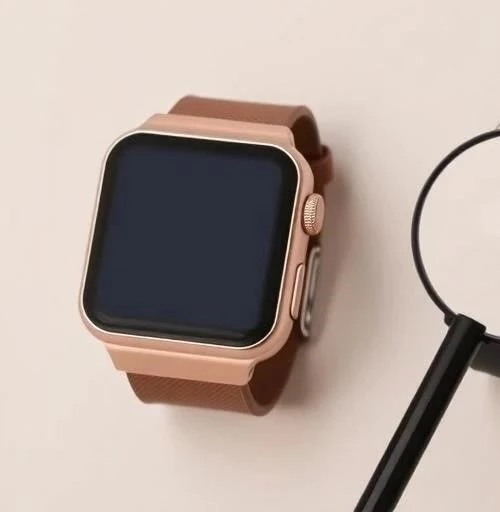
When buying an Apple Watch Series 7 second-hand, do not rely on the box, appearance, or a seller’s claim. Counterfeits can copy logos and packaging, while a genuine watch may come without its original box. The strongest approach is to check several independent signs—especially pairing, software, model information, and purchase documentation—before paying.
Pair it with an iPhone
Ask the seller to erase the watch and pair it in person using Apple’s Watch app on an iPhone. A real Apple Watch should go through Apple’s setup process and appear in the app as a Series 7. A device that instead asks you to scan a QR code, install an unfamiliar Android app, or connect through ordinary Bluetooth settings is a major warning sign. Do not accept a video of pairing as a substitute for testing the actual watch.
Check the watch itself
On the watch, open Settings > General > About. Review the model name, model number, serial number, and software version. Series 7 was sold in 41 mm and 45 mm sizes. Compare the model details with Apple’s official support information, but remember that convincing fakes can display copied numbers. A serial number that produces a result on Apple’s coverage website is useful evidence, not proof: counterfeiters may copy a genuine serial from another device.
Inspect software and features
The interface should behave like watchOS, not like a generic smartwatch menu. Check that Apple’s settings, app layout, notifications, and pairing controls work normally through the iPhone’s Watch app. Test basic functions such as the touchscreen, Digital Crown, side button, charging, and speaker. Series 7 has an always-on display and supports features such as ECG in regions where Apple makes them available. A feature may depend on region, setup, or health requirements, so its absence alone does not establish that a watch is fake.
Examine construction and paperwork
Look for poor screen alignment, rough edges, loose buttons, misspelled labels, or an inconsistent finish. These are warning signs, but visual quality is not conclusive. Ask for the original receipt, check that its model and seller details make sense, and compare the watch’s serial information across the device and available records. Packaging can be replaced or copied, so treat it only as supporting evidence.
Buy cautiously
Prefer Apple or an authorized retailer, or use a marketplace with buyer protection. Meet in a safe place, test pairing and charging, and confirm the watch is no longer linked to the previous owner’s Apple Account; Activation Lock can prevent you from setting it up. Never pay extra for a “verified” serial alone. If the seller refuses a reset, live pairing, or reasonable checks, walk away. For uncertainty, contact Apple Support or an authorized service provider to inspect the device.