
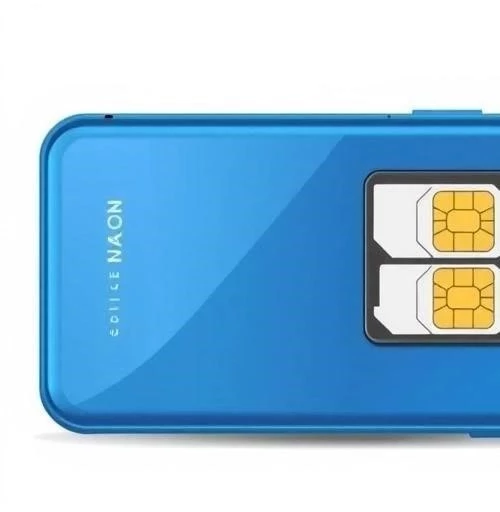
The Xiaomi Redmi 12 supports two physical SIM cards in its dual-SIM configuration. It uses nano-SIM cards and can keep both lines available in dual-standby mode. This lets you use, for example, a personal number and a work number in one phone without carrying two devices.
What “dual standby” means
With dual standby, both SIMs can remain connected to their mobile networks while the phone is idle. You can choose which number to use for outgoing calls, text messages, and mobile data. When a call is active on one line, the other line may become temporarily unavailable for calls, depending on the operator and network settings. Dual SIM does not mean that both lines can use mobile data independently at the same time.
SIM card size and tray
The Redmi 12 takes nano-SIM cards, the smallest common physical SIM format. A larger SIM should not be cut or forced into the tray; ask your mobile operator for a nano-SIM or a replacement card. The phone’s tray arrangement can vary between regional versions. Some versions use a hybrid tray, in which the second position accepts either a second SIM or a microSD memory card. Other configurations may provide a separate memory-card position.
For that reason, do not assume that every Redmi 12 can use two SIMs and a microSD card at once. Check the diagram on the tray, the user guide, or the specifications for the exact model sold in your country. If the tray is hybrid, you must choose between the second SIM and a memory card.
Redmi 12 4G and Redmi 12 5G
The name Redmi 12 is used for different versions, including 4G and 5G models, and specifications can differ by market. Both are commonly described as dual-SIM phones, but the precise tray layout and supported network bands depend on the model. Check the model number and regional product information rather than relying only on the name printed on the box or a retailer’s general listing.
Setting up two numbers
- Switch the phone off before inserting or removing the SIM tray.
- Place each nano-SIM in the position shown on the tray, keeping it flat and aligned.
- Restart the phone and wait for the network names to appear.
- In the SIM or mobile-network settings, label the lines and select defaults for calls, messages, and mobile data.
Menu wording may differ with the installed software version. If one SIM is not detected, check that it is seated correctly, restart the phone, and test the card in another compatible device. A damaged card, a carrier restriction, or incomplete network coverage can also prevent service.
In brief
The Xiaomi Redmi 12 is generally a two-SIM phone: it accepts two nano-SIM cards and supports dual standby. Whether a microSD card can be installed at the same time depends on the particular regional version and tray design. Confirm those details before buying if you need three cards installed together. The supplied online information does not identify a specific Redmi 12 variant or give a region-by-region tray specification, so the exact model documentation is the best source for that detail.

7 Comments. Оставить новый
Checking the model number and local specifications is sensible advice for buyers comparing 4G and 5G versions.
The guidance about nano-SIM cards helps readers avoid forcing an incompatible card into the tray.
The article gives a balanced overview of the Redmi 12’s dual-SIM setup and its limitations.
The reminder to check the exact regional model is practical, since tray layouts can vary.
The explanation of dual standby is useful, especially the note that the second line may be unavailable during an active call.
The article clearly distinguishes dual-SIM support from using two mobile data connections at the same time.
Mentioning the possible trade-off between a second SIM and a microSD card is a helpful detail.