If a Xiaomi phone shows your position inaccurately, updates it slowly, or points in the wrong direction, the cause may be weak satellite reception, location settings, a compass issue, or an app problem; GPS itself usually has no manual calibration setting: the phone calculates its position from satellite signals. The steps below help diagnose common causes and improve location accuracy.
Check location settings
Open Settings and find Location. Turn location on, then check that the app you are using has permission to access it. Depending on your MIUI or HyperOS version, permission controls may be under Apps, Permissions, or Privacy protection. For navigation, allow location access while the app is in use. If available, enable precise location rather than approximate location.
Look for a setting such as Google Location Accuracy or Improve location accuracy. Enabling it can let the phone use nearby Wi-Fi networks and mobile signals alongside GPS. This may help in built-up areas, although it uses additional services and is not the same as calibrating the GPS receiver.
Test GPS outdoors
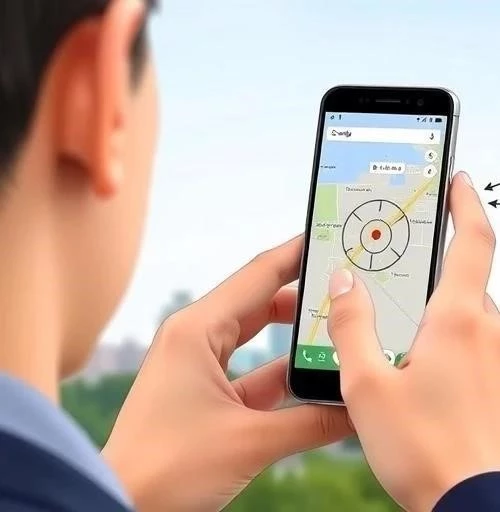
Go outside with a clear view of the sky and open a trusted map or navigation app. Buildings, roofs, tunnels, trees, and some vehicle interiors can weaken satellite signals. Wait a few minutes for the position to settle, especially if the phone has just been restarted or has not been used for navigation recently. Compare the location in more than one app if possible.
Check whether the phone case, magnetic mount, or nearby equipment could be affecting the compass. A compass provides direction; it does not determine the GPS position itself. If the map location is correct but the direction arrow is wrong, the compass is a more likely source of the problem.
Calibrate the compass if direction is inaccurate
Some map apps display a prompt to calibrate the compass. Follow the on-screen instructions, which may ask you to move the phone in a figure-eight pattern. Do this away from metal objects, magnets, speakers, or magnetic car mounts. The exact instructions depend on the app and phone model. This process can improve the direction indicator, but it cannot repair poor satellite reception or change the GPS hardware.
Check battery and app restrictions
Battery-saving modes and background restrictions can interrupt location updates. Temporarily turn off Battery Saver and check the navigation app’s battery settings. If the app is restricted, allow it to run as needed during navigation. Menu names vary across Xiaomi models and software versions. Also make sure that mobile data or Wi-Fi is available when the app relies on network-assisted location or needs to download map information.
Refresh the phone and app
- Turn Location off and on, then restart the phone.
- Install available system and app updates.
- Check the app’s location permission and clear its cache if it continues to behave incorrectly. Avoid clearing stored data unless you understand what will be removed.
- Test another map app to determine whether the issue is limited to one application.
If the problem persists, reset network settings only if appropriate; this can remove saved Wi-Fi and Bluetooth connections. Check Xiaomi support guidance for your model before changing advanced settings or installing third-party “GPS repair” tools. Such apps cannot recalibrate a damaged receiver and may request unnecessary access.
When to seek service
If several apps show a consistently wrong position outdoors, take unusually long to find satellites, or lose GPS in open areas after these checks, contact Xiaomi support or an authorized service center. A hardware fault, antenna damage, or a software issue may require diagnosis. Record the phone model, software version, and circumstances in which the fault occurs to help with troubleshooting.